
1. Introduction
If you use ChatGPT frequently, you may have encountered this message before: You have reached your limit for now. This can be confusing if you’re not sure why it occurred, or when you can use ChatGPT once more.
Usage limits in ChatGPT are rules that limit how much you can use a particular feature during a specific time period. Some features, such as everyday text chatting, may have no usage cap, while others, such as file uploads, image generation, voice, and data analysis, have separate limits.
The limits are more important than many beginners first realize. When you use ChatGPT for schoolwork, a side hustle, or daily tasks, reaching a limit in the middle of the process can mess up your whole workflow.
Before we get going, there is one more thing to remember: limits can vary depending on your plan, model, feature, and current usage conditions. Let’s break it down in simple English.
2. What Are ChatGPT Usage Limits?
A usage limit is an amount that a person can use of a feature over a period of time.
After you reach a limit, ChatGPT may temporarily restrict that feature until the relevant limit resets.
Imagine ChatGPT as your cell phone’s data plan. Calls and limited mobile data. ChatGPT works this way: some types of use are more open-ended, while others are subject to specific limits.
When we reach our limits, what happens?
Typically, ChatGPT will display a pop-up message stating that you’ve reached your limit. If you’ve reached a limit on a particular feature, one of several things can happen:
- May have to wait until the limit resets.
- You may be switched to another available model, depending on the limit you reached.
- You may see an option to upgrade your plan for access.
What is the point of limits in the first place?
It costs significant computing resources to run AI models. With the computing power required for each of the answers and the tools that are so widely used that have millions of users, the costs of running them at their full capacity can be expensive. Limits help OpenAI:
- Ensure a consistent and quick service for all.
- Balance server usage throughout the day.
- Help maintain reliable service.
- Be able to sustain an offering of a version that is financially sustainable.
So limits are not simply there to inconvenience users. They help balance access for users with the resources needed to keep the service running reliably.
Also, it is important to keep in mind that not all limits work the same way. Some are hourly, some are weekly and some are based on a moving timeframe instead of a fixed clock. That’s one reason some members of the plan experience a more consistent experience than others.
3. Does ChatGPT Have a Daily Message Limit?
It’s one of the questions that many beginners ask and the truth is — it’s not as easy as it sounds.
You may see older articles on the internet referring to fixed numbers such as “10 messages per day.” Those numbers should not be treated as a universal ChatGPT limit.
ChatGPT does not use one single daily message counter that applies to every plan, model, and feature.
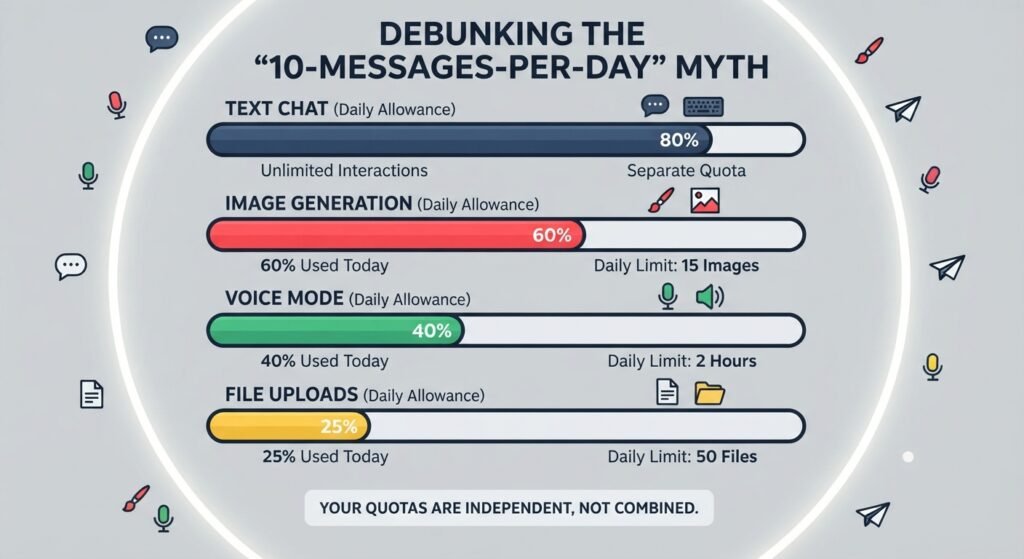
These are the factors that actually determine your limits:
- There are limitations to different models. Different models can have different usage limits. The limit can depend on the model and the plan you are using.
- Different features are metered separately. Allowances can be different for each function, such as text messages, image generation, uploading of files, and voice mode, not all in one bucket.
- Limits may shift, over time. Behind the scenes, OpenAI continually updates the workings of ChatGPT. A limit that applied a few months ago may be different today because OpenAI can update its plans, models, and usage policies.
It’s better to know the general trend, that everyday text chatting can have more generous access than some advanced features while more sophisticated features such as image generation or voice and higher levels of models tend to be the ones you will encounter limits on.
4. ChatGPT Free Usage Limits
Most beginners will begin with the Free plan so let’s discuss what you can expect.
The general types of information available to Free Users.
Free users can use ChatGPT for everyday questions, explanations, writing assistance, brainstorming, and other common tasks, although access to some models and advanced features is limited.
This includes routine, day-to-day requirements asking questions for explanations, writing assistance, brainstorming and the like.
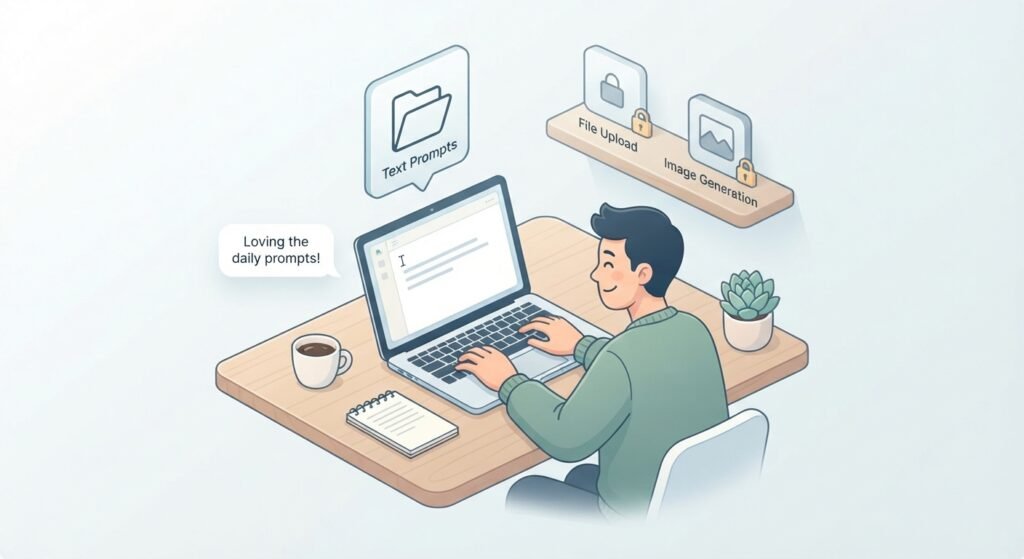
Access to some models and features is subject to usage limits. For many everyday tasks, Free users can use ChatGPT without needing to think about a fixed daily message number, although limits can still apply to particular models and features.
The Free plan isn’t quite as generous in the tools they add to chatting, including:
- Uploading files or documents
- Generating images
- Using voice conversations
- Accessing more advanced higher‑powered models
Many of these additional features have their own separate usage limits on the Free plan, which are less than those found in paid plans.
What do you do when you hit your limit?
When you’ve hit the end of your allotment for a feature, ChatGPT will tell you! When you reach a limit for a particular feature, that feature may become temporarily unavailable until its limit resets. Other parts of ChatGPT may remain available.
5. ChatGPT Plus Usage Limits
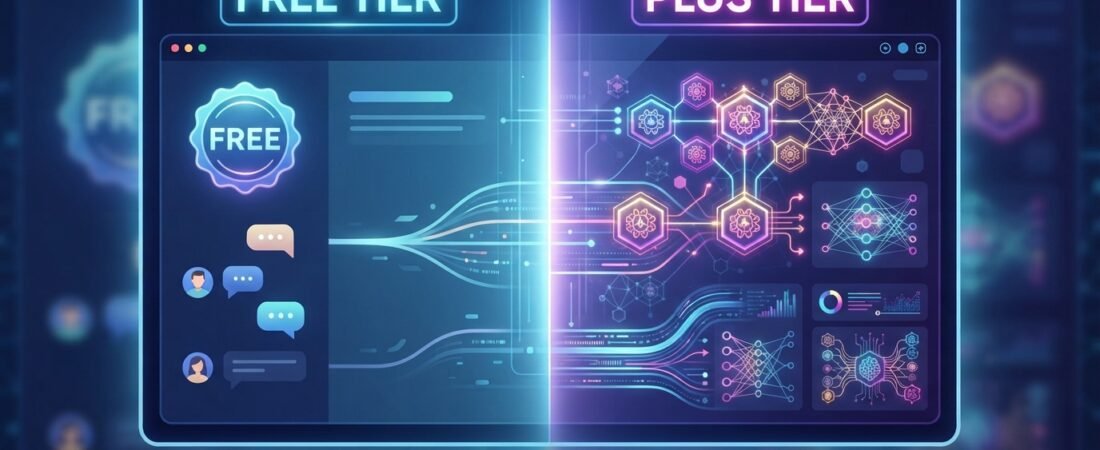
ChatGPT Plus is a paid subscription plan that provides expanded access to ChatGPT compared with the Free plan.
The differences between what Plus Users Get and Free

Most subscribers to Plus have:
- Access to more complex models, such as reasoning models for more challenging tasks
- Higher usage allowances for many features compared with Free.
- Priority access during busy periods, where applicable.
- The greater access and usage allowances.
Plus users generally receive higher usage allowances and broader access to models and features than Free users. The exact limits depend on the model or feature being used and can change over time.
Note: Plus does not mean unlimited usage.
Many people who subscribe to these services don’t realize this. But getting ChatGPT Plus is not a free pass to using the chatbot without any limits. OpenAI can still impose usage limits, particularly for intensive features or models, particularly on the more intensive functions or if there is heavy use. In other words, Plus extends the available access, but it does not remove the concept of usage limits.
6. What if you hit ChatGPT’s limits?
When you hit a limit, the experience depends on the plan, model, or feature involved. Free and Plus users can have different usage allowances.
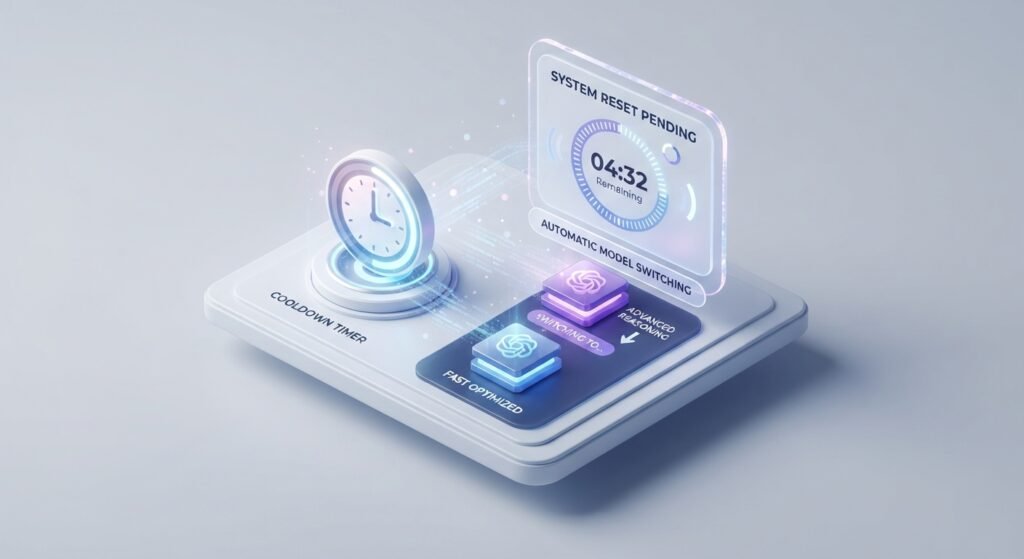
- Limit notification: When you reach certain limits, ChatGPT can display a notification explaining that you have reached the current allowance.
- Rest period/Reset period: Many usage limits reset after a specified period, although the reset timing depends on the particular model or feature. Once the relevant limit resets, access becomes available again according to the rules for that model or feature.
- Switch to another model: Depending on the limit you reach, ChatGPT may switch you to another available model so you can continue your conversation. you over to a lighter model. Even if the answers sound a bit different, your discussion can continue.
7. Why Do ChatGPT Limits Change?

If you have seen ChatGPT limits change over time, there are several possible reasons. Here’s why.
- Model demand: When many users use ChatGPT at the same time, especially around the release of a new feature, system demand can change. OpenAI may adjust access or limits as it manages system capacity and demand.
- System capacity: Computers are required to run AI models. Changes in system capacity can also affect how much access OpenAI can provide.
For instance, there are several models to choose from and even a variety of features.
As new models and tools are introduced, their usage rules can also be different. This is one reason the limit system can change over time. The service is developed over time by OpenAI.
ChatGPT isn’t finished. As the service evolves to meet the demands of more users and the competition, OpenAI continues to adjust pricing, model access and usage restrictions. What is true today may be different a few months from now.
8. How to Use ChatGPT More Efficiently
Small changes in how you use ChatGPT can help you make better use of your available access, whether you’re on Free or Plus.
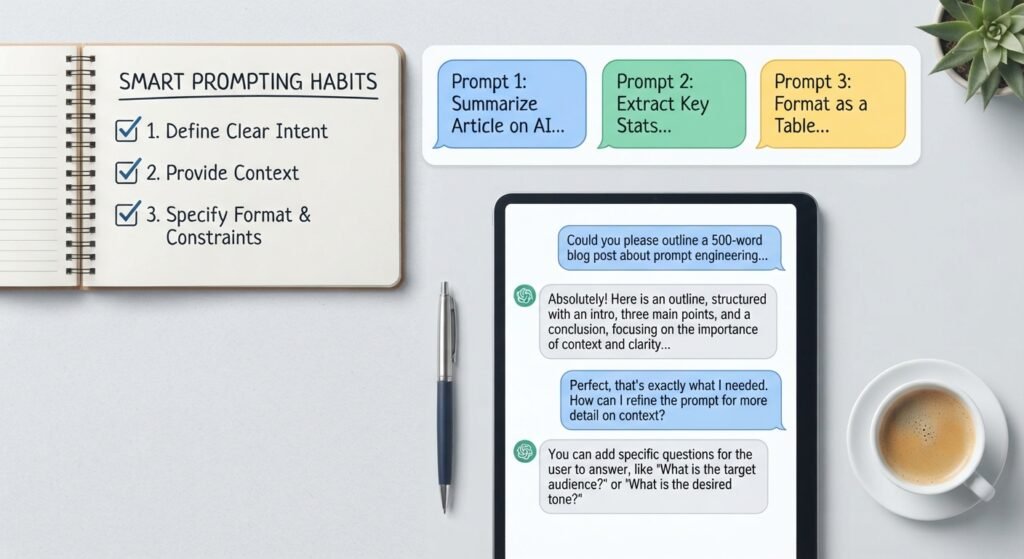
- Group related questions: Put related questions into one clear message instead of sending several separate messages. This can make your conversation more efficient.
- Write clear prompts: A specific prompt can often give you the information you need without several unnecessary follow-up questions.
- Repetitive messages can use more of your available usage if you continue to send the same question with slight variations or restate it multiple times, just to see if ChatGPT understands.
- Use the appropriate model or feature: When several options are available, choose the one that fits the task rather than using an advanced model for every simple question.
- Plan file uploads and image generation: If you know you need to work with several files or create several images, organize your work efficiently rather than repeating the same process unnecessarily.
- Keep conversations organized: Start a new conversation when you move to a completely different topic. This can make it easier to keep the relevant context clear.
None of these tips will completely eliminate any limitations. They may help you use your available Free or Plus access more efficiently, but they cannot remove usage limits.
9. ChatGPT Free vs Plus: Which Usage Level Is Right for You?
Let’s look at how different usage patterns may fit the Free and Plus plans.
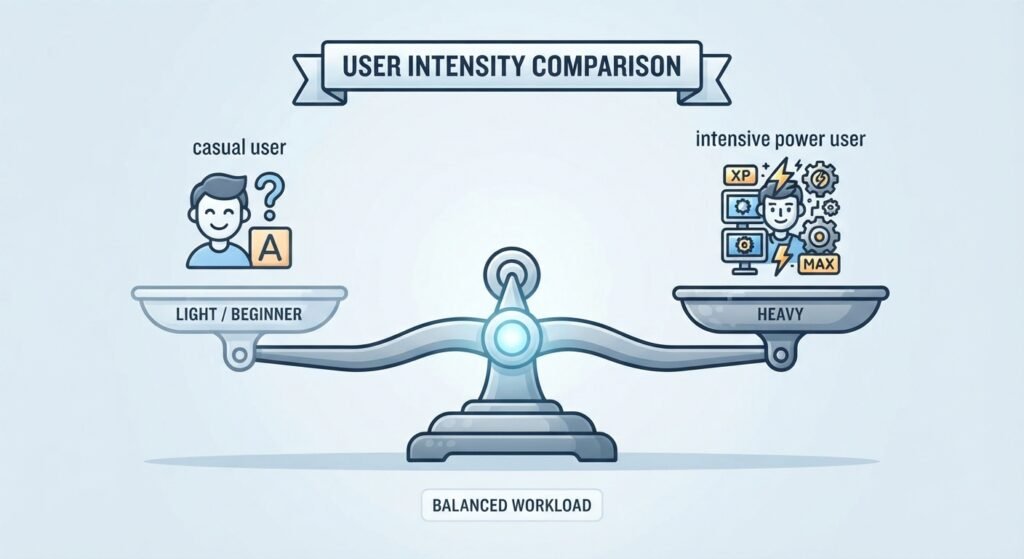
- Beginners and light users: If you use ChatGPT just occasionally. If you have questions, explanations and a few times a day. The Free plan may be enough for this type of occasional use.
- Regular users: If you write, study or plan using ChatGPT every day. Sometimes would like to use more advanced features such as file uploads or image generation. You may start to notice the Free plan’s limits more often, particularly when using advanced features.
- Heavy users: Users who use models frequently, whether they are uploading files daily or working with voice mode more often than not may encounter Free-tier limits more frequently. The Plus Plan provides additional room and increased access.
This is not a suggestion to pick a better scheme over a different scheme. It’s about understanding the differences between the plans and considering how you use ChatGPT.
FAQs
Q1. How many messages can I send on ChatGPT Free?
Answer: There is no single number that applies to every ChatGPT feature or model. Free users can use ChatGPT for everyday tasks, while specific models and advanced features can have their own usage limits.
Q2. Does ChatGPT Plus have unlimited messages?
Answer: No. ChatGPT Plus provides higher usage allowances and broader access than Free, but some models and features can still have usage limits.
Q3. What happens when I reach my ChatGPT usage limit?
Answer: You may see a notification explaining that you have reached a limit. Depending on the model or feature, you may need to wait for the limit to reset or continue with another available option.
Q4. Do ChatGPT limits reset?
Answer: Many usage limits reset automatically after a specified period, but the timing depends on the model or feature. ChatGPT normally provides information about the relevant limit when you reach it.
Q5. Can ChatGPT limits change?
Answer: Yes. OpenAI can change usage limits as models, features, plans, and system capacity evolve. This is why older articles may show limits that are no longer current.
Q6. Why did ChatGPT say I reached a limit?
Answer: It usually means you have reached the current allowance for a particular model or feature during its applicable usage period. It does not necessarily mean that you have reached a single overall ChatGPT limit.
Q7. Can clearing my browser cache or using a VPN help me bypass ChatGPT usage limits?
Answer: No. Usage limits are associated with your ChatGPT account and the relevant model or feature. Clearing your browser cache does not reset an account-level usage limit.
Q8. Do voice mode conversations consume my message limit or do they have a separate quota?
Answer: Voice can have its own usage limits and reset periods, depending on your plan and the current voice experience. Check the information shown in ChatGPT when you use voice because these limits can change.
Q9. If I switch between different devices (like my phone and laptop), do my usage limits sync up?
Answer: If you use the same ChatGPT account on different devices, your account-level usage limits generally apply to that account rather than to one particular device.
What Should You Do Next?
Now that you understand how ChatGPT usage limits work, the best next step is to use ChatGPT according to your own needs. Start with the Free plan if your usage is occasional, and pay attention to the limits that apply to the features you use most.
If you want to get better results from ChatGPT without wasting messages, explore our beginner-friendly guide to ChatGPT prompts and learn how to write clearer requests.
Final Thoughts
In simple terms: The limits on ChatGPT usage are in place to maintain the sustainability, fairness and speed of the platform, for everyone. There is no single rule that applies to every situation. The applicable limits can depend on your plan, model, and the feature you are using.
Free and Plus each have different access and usage patterns. There is no guarantee of completely unlimited usage. Even paid plans can have limits on particular models or features.
OpenAI adjusts the way limits work frequently, so it is advantageous to review the plan and model information periodically in ChatGPT.
Understanding how ChatGPT limits work can help you avoid unpleasant surprises and make better use of the features available to you, regardless of your plan.