
1. Introduction
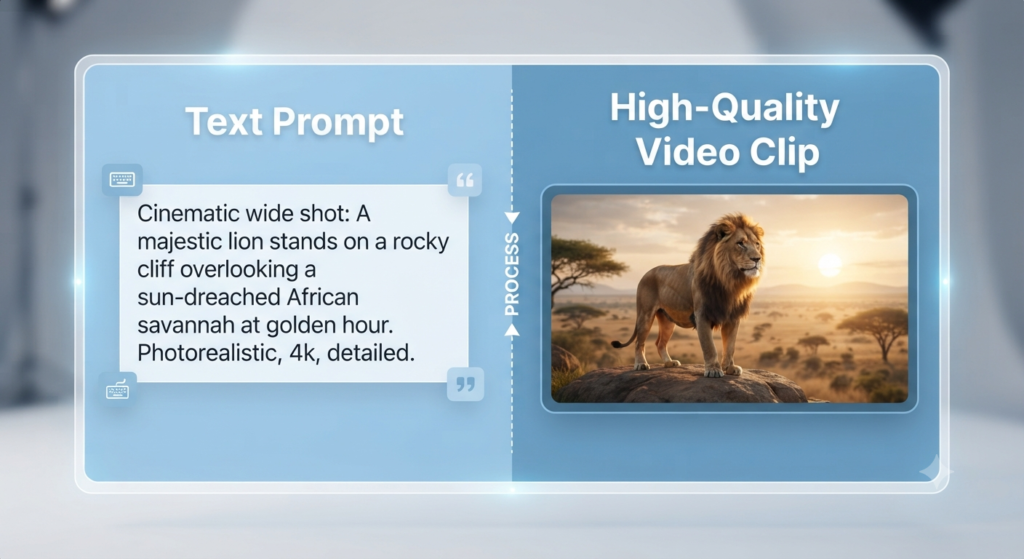
Creating professional videos once required expensive cameras, editing software, and years of experience. Today, AI video generators make it possible for beginners to create videos from simple text prompts, images, or existing content. Many tools also offer free plans or free credits, making it easier to test AI video creation before paying for a subscription. Whether you’re a student, YouTuber, freelancer, marketer, or small business owner, the right AI video generator can help you create videos faster without needing advanced editing skills.
2. How Does an AI Video Generator Work?
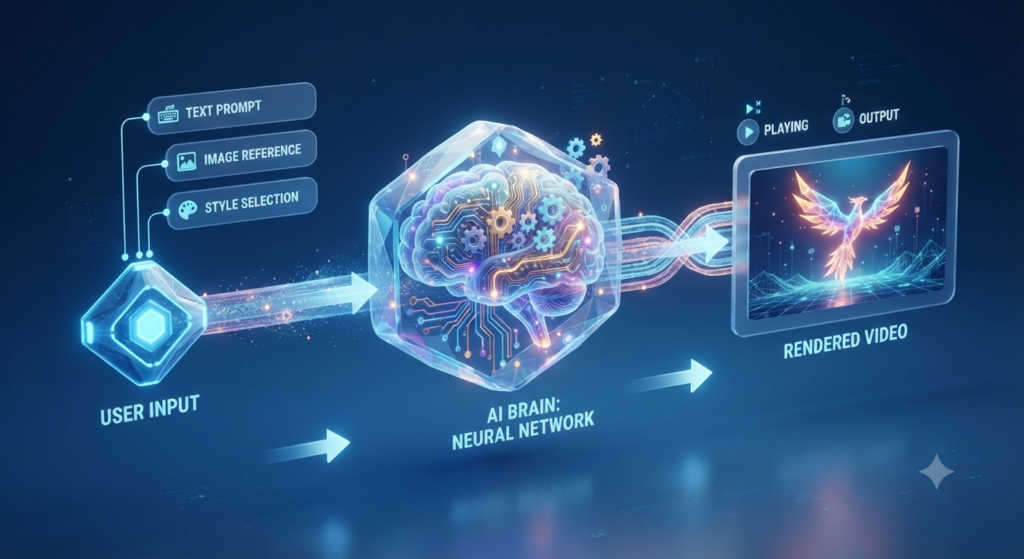
The Generative AI analyzes your prompt, understands the scene you describe, generates individual frames, adds motion, lighting, camera angles, and sometimes even music or voiceovers before producing a finished video.
3. Best AI Video Generators for Beginners
If you’re just getting started, you don’t need an expensive studio or professional editing skills. These AI video generators make it easy for beginners to create impressive videos.
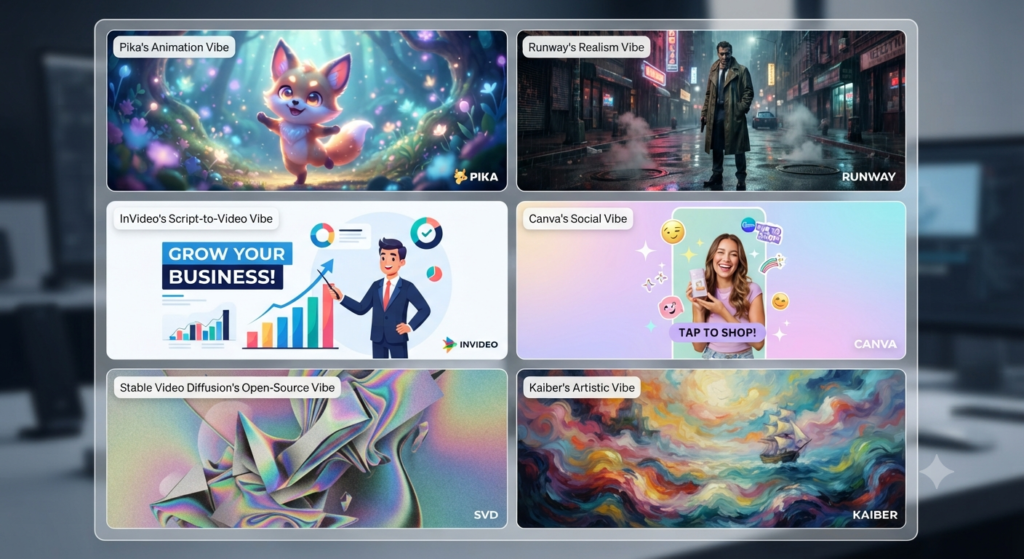
The following AI video generators are popular options for beginners, including tools with free plans or limited free access. Each one is suited to different types of video creation, so the right choice depends on your goals, preferred workflow, and how much free access you need.
| Tool | Best For | Free Plan | Difficulty |
| Pika | Beginners | Limited | Easy |
| Runway | Cinematic videos | Limited | Medium |
| InVideo AI | YouTube | Yes | Easy |
| Canva AI | Social media | Yes | Easy |
| VEED AI | Editing | Limited | Easy |
4. Best Free AI Video Generator
- Free credits: Many AI video generators offer free credits or a limited free plan, allowing beginners to test the tool before paying for a subscription.
- What you can create: Free plans can be useful for testing short clips, social media videos, simple animations, and basic text-to-video or image-to-video features.
- Watermarks: Some free plans add a watermark to exported videos. If you plan to use a video professionally or for a business, check the tool’s current watermark policy before creating your final content.
- Generation limits: Once you’ve reached the limit of your credits, most platforms will restrict you to a certain number of videos per day or month. Generation limits help platforms manage server resources while allowing free users to try the service before upgrading.
If you’re looking for the best free AI video generator for beginners, start by testing a tool with its free credits or plan first. This lets you compare the results, ease of use, and limitations before deciding whether you need a paid subscription.
5. Best AI Video Generator for YouTube
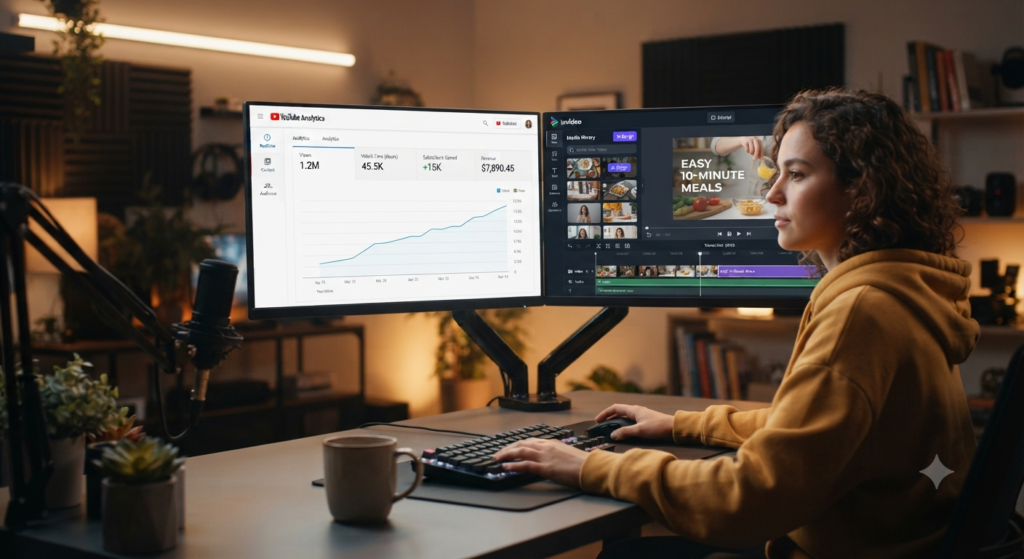
- Long-form videos: AI generators make it easier for creators to generate longer videos. You now have the ability to have tools that keep the visual consistency and create longer scripts, which means you can create more detailed and memorable episodes, without having to do a ton of manual work.
- Faceless YouTube: Ideal for those who prioritize privacy, it uses AI to create realistic avatars or B-rolls. Create professional content with the AI as your voice, without needing to be on camera.
- Educational videos: AI makes text into captivating videos. These tools allow you to produce slides, animations and summaries that will help your audience learn faster.
- Tutorials: AI video generators can be superb for making step-by-step tutorials. They can do screen recordings that synch with automated speech to create clear, easy-to-understand technical instructions.
- Storytelling: Create scenes using AI generated scripts. These tools enable you to visualize stories and make them interesting to look at, engaging in cinema for audiences.
- Product reviews: Generate professional product reviews with AI narration and realistic product images. These tools make it easier to produce your content and effectively point out features and benefits.
6. Best AI Video Generator for Social Media
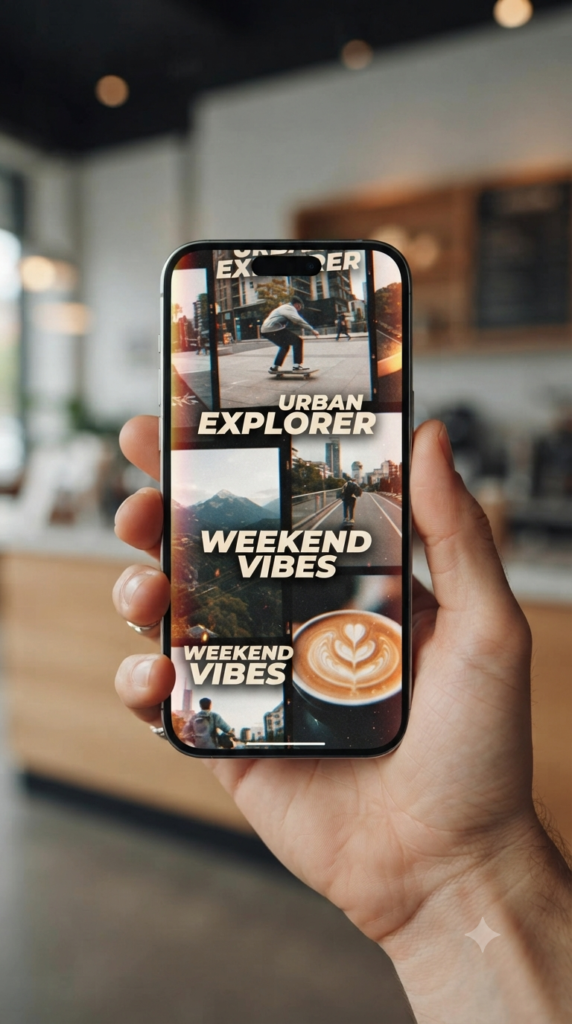
- Instagram Reels: With AI, you can generate content that’s easily shareable on Instagram’s vertical format. Create cool graphics, add rhythmic transitions, and add automatic captions to hold viewers’ interest in the feed.
- TikTok: Use AI to stay current with the latest trends on TikTok. These generators can assist you in crafting viral hooks, generating AI-generated voiceovers, and fine-tuning clips to align with the platform’s signature snappy, authentic voice.
- Facebook Reels: It’s a great way to engage a wide audience by breaking up longer content into shorter snippets for Facebook Reels. AI tools do the cropping to vertical formats and can optimize your titles for greatest reach.
- YouTube Shorts: Rapidly grow your channel by creating high-retention Shorts. AI helps to identify the most engaging moments of your content, meaning your video is impactful and mobile-friendly.
- LinkedIn videos: Produce polished, professional LinkedIn video content. AI transforms industry insights into clear, concise and professional visual storytelling to enhance your brand.
- Pinterest Idea Pins: Use AI to design visually captivating Idea Pins. These tools can take still images or brief clips and help you create inspiring, story-rich content that’s ideal for Pinterest’s discovery-centric world.
7. How to Create Your First AI Video (Step-by-Step)
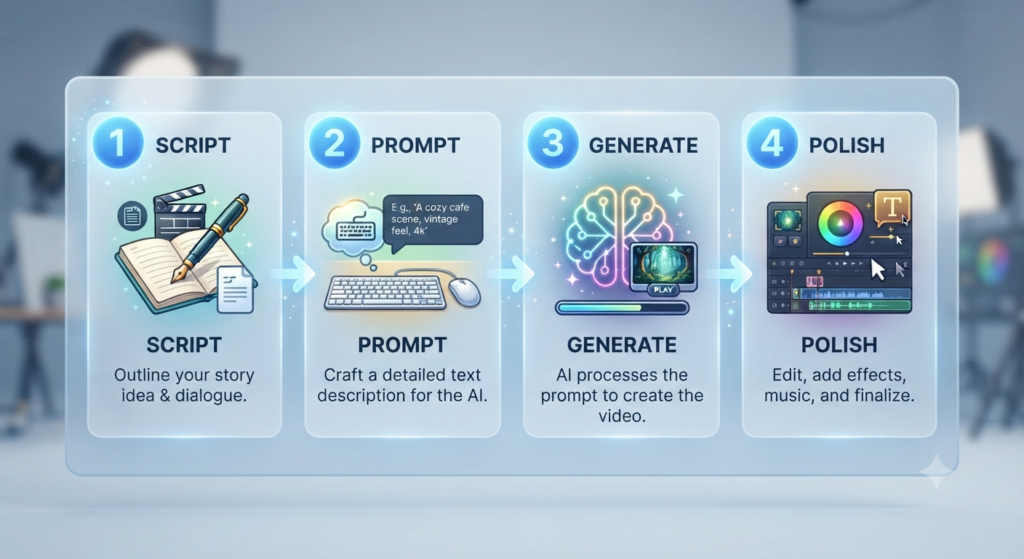
- Begin with a specific objective: Have a clear idea of what you want to create, such as an advertisement, humorous meme, tutorial, or short story.
- Type your prompt: Describe the subject, action, setting, style, and other details you want. For example, “a cat in space with stars in the background.”
- Select your platform: Choose one of the tools from the list above, explore its interface, and start creating your video.
- Keep going: Learning how to use AI tools effectively can make this process easier, especially for beginners. Your first version may not be perfect, so refine your prompt and generate additional versions until you get a better result.
- Polish and export: When you’re satisfied with the clip, add music, text, captions, or other finishing touches in the built-in editor, then export your video.
8. How to Improve Your AI Videos.
- Use reference images: most tools will allow you to upload a photo to help the video. It is a good idea to use AI video generators with reference images.
- Keep Clips Short: Create short video clips instead of trying to generate an entire long video in one prompt.
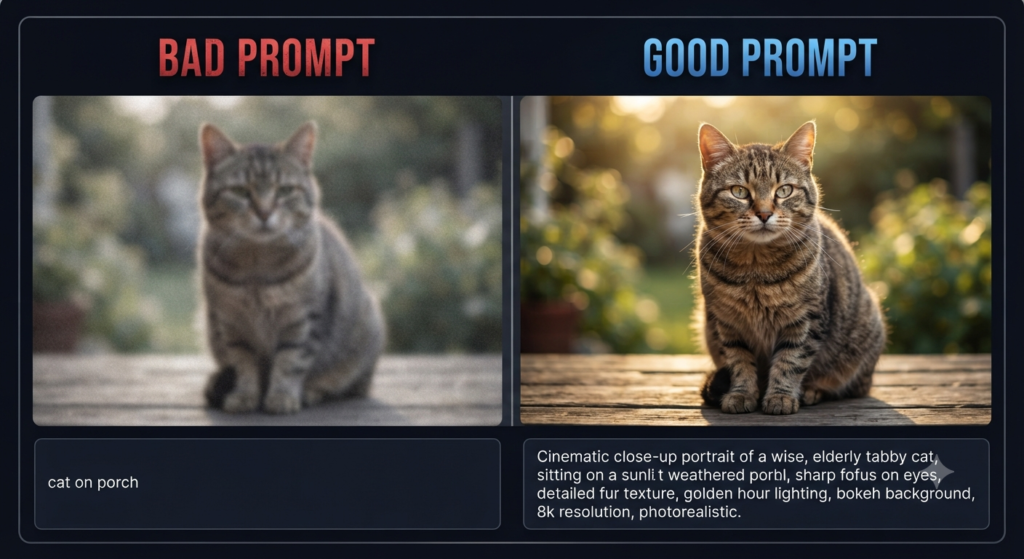
- Use descriptive terms: Add details such as golden hour, cinematic lighting, close-up, or wide shot to make your prompts more specific.
- Keep prompts specific: High-quality AI content begins with clear and descriptive prompts. Be specific with the subject, action, lighting and style so the model has a clear understanding of what you are looking for.
- Use cinematic camera angles: Add camera directions such as close-up, wide shot, tracking shot, or drone view to give your footage more depth and a professional feel.
- Generate multiple versions: There is no guarantee that AI will be consistent—run a few tests with the same prompt for different results. By comparing the various results, you can choose the most coherent clip for the final edit.
- Edit manually afterwards: Clips created by artificial intelligence are frequently not ready to use right out of the box. Use professional editing software to remove pacing problems, minor artefacts, transitions, and sound effects, resulting in a video that is polished, to your standards, and flows smoothly.
9. Common Errors Beginners Make
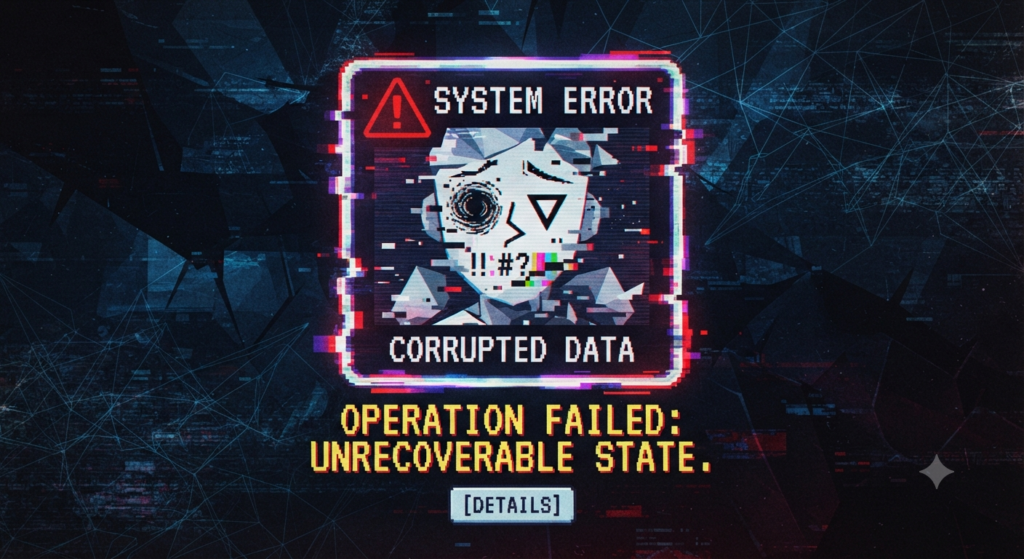
- Vagueness: AI cannot read your mind. Give clear information about the subject, style, lighting, movement, and setting so the tool understands what you want.
- Giving Up Too Soon: If the first result is slightly off, don’t give up. Adjust your prompt, change the settings, and try again.
- Ignoring Consistency: If you are creating a video, stick to the same style throughout the video and use the AI video generator to ensure consistency.
- Trying to create a 2-minute video in one prompt can lead to inconsistent visuals and technical problems. Instead, divide the script into smaller scenes and create each one separately.
- Ignoring copyright and commercial licensing: Some AI generators do not give you 100% copyright to your content. Free plans will often come with limitations on commercial use, and you may be in trouble if you monetize your videos. Be sure to review the platform’s terms of service, particularly the licensing provision. Also, be sure to avoid using any music that is protected by copyright or characters that are easily recognizable to avoid content strikes, even if the video is AI-generated.
FAQs
1. Can AI-generated video replace human video editors?
Answer: Not entirely. Think of AI as a powerful “co-pilot” or assistant. It excels at automating repetitive tasks like b-roll selection, subtitle generation, and basic scene assembly, but human editors are still essential for high-level creative direction, emotional storytelling, and final quality control.
2. Do I need expensive hardware to use these tools?
Answer: Most AI video generators in 2026 are cloud-based, meaning they run on powerful remote servers. You only need a stable internet connection and a standard web browser on your computer or mobile device to access them.
3. How can I keep my characters looking consistent?
Answer: This is a common challenge, but modern tools have solved it with “Reference Images” or “Character Sheets.” By uploading a clear image of your character, the AI uses it as an anchor to maintain the same facial features, clothing, and style across different shots.
4. Are AI-generated videos copyright-safe?
Answer: It depends on the platform and the model used. Some tools are designed with commercial use in mind, while others may have restrictions. Always check the platform’s current terms, licensing rules, and commercial-use conditions before using AI-generated videos for business or monetized projects.
5. How much does AI video generation cost?
Answer: Costs vary widely. Many platforms offer free credits or limited free plans for testing, while paid plans provide more generations, higher-quality output, and additional features. Check the current pricing page of each tool because plans and limits can change.
6. Why does my video have “weird” movements?
Answer: This is often called the “uncanny valley” effect. It happens when an AI struggles with physics or complex human motion. To fix this, try using shorter clips (4–8 seconds), providing more descriptive prompts, or using “Image-to-Video” mode to give the AI a clear starting frame.
7. What is the difference between Text-to-Video and Image-to-Video?
Answer: Text-to-Video creates content entirely from your written prompt, which is great for creative exploration. Image-to-Video uses an existing photo as an anchor, which offers more predictability and control, making it better for specific product or character shots.
8. Can I use my own voice for narration?
Answer: Yes, many top-tier generators now support voice cloning or custom audio uploads. This allows you to bind your unique vocal identity to an AI avatar or character for a more personalized touch.
9. How long should my AI-generated clips be?
Answer: For the best quality, stick to 4–10 second segments. AI models currently perform best in short, focused bursts. You can then “stitch” these individual high-quality clips together in an editor to create a longer, cohesive video.
10. Is it easy to add text or subtitles?
Answer: Absolutely. Many specialized tools like VEED AI or InVideo AI include built-in features that automatically transcribe your audio and overlay perfectly synchronized, stylish subtitles in seconds.
11. How do I stop my character from changing looks?
Answer: Using reference images (as mentioned in the tips!) is the best way to keep your subject looking consistent from scene to scene.

Conclusion
AI video generation isn’t replacing creativity—it’s making creativity accessible to everyone. The best way to learn is by experimenting. Start with simple prompts, improve with practice, and you’ll be surprised how quickly you can create professional-looking videos.
Call to Action
What are you waiting for? Pick one of the best AI video generators for beginners (2026 guide) mentioned above, head over to their site, and create your first 10-second clip today. Share it, learn from it, and most importantly, have fun with the process!