

These days, whenever I visit almost any website, there’s a new AI tool that promises to transform my life. You don’t have to feel overwhelmed by the hype; you’re not the only one! Fortunately, it is not necessary to pay a subscription to use the latest technology. Indeed, a lot of the free AI tools for beginners in 2026 will be more than capable of assisting you in your daily activities, creative projects or learning objectives without costing you a cent. Generative AI can create new content such as text, images, video, and other media from user instructions. Let’s skim the surface and focus on the best AI tools worth your time.
1. Introduction
Welcome to 2026, when AI is no longer a trendy buzzword, but a trustworthy digital companion. AI tools can be of immense benefit, whether you’re a student, freelancer, or someone seeking to streamline their workflow. There are many AI tools available, but how do you know where to start? If you’re looking for ways to get your new website up and running without overspending, this guide is for you to help you navigate the landscape and find useful AI tools for beginners, including free and freemium options.
2. What are some of the benefits of using AI tools beyond ChatGPT?
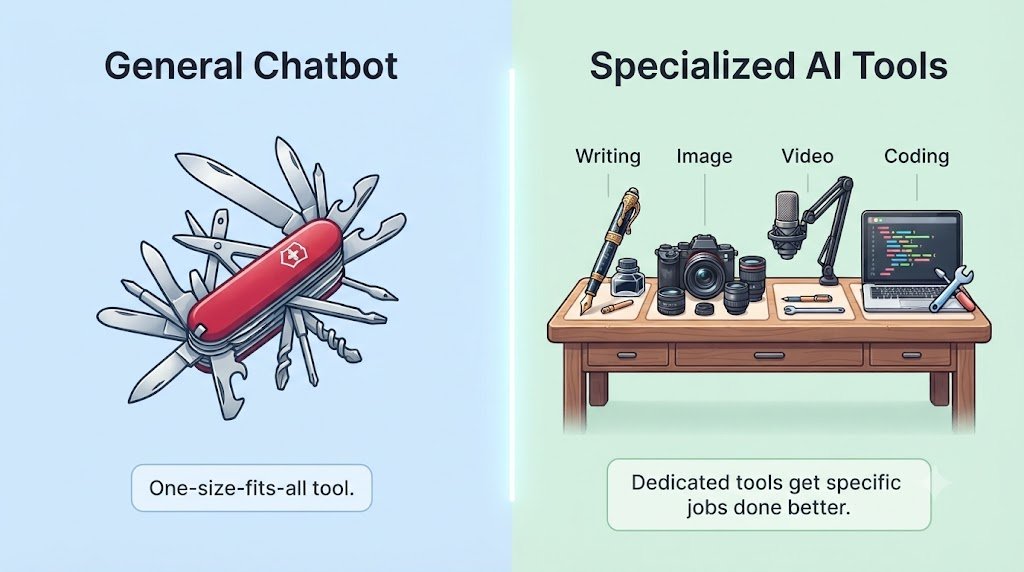
While ChatGPT is a household name and a great tool for brainstorming it isn’t always the right tool for every specific task. If you tried to construct a house, wouldn’t you just use your hammer for everything? AI tools are optimized for specific workflows and are trained with a set of data. A general chatbot, for example, may not be able to create a formatted presentation or generate high-resolutions images but trained with a set of data. With a “best-of-breed” approach, you can get to a quality professional result in a quicker time frame, and often for free.
3. Best AI Writing Tool: Claude
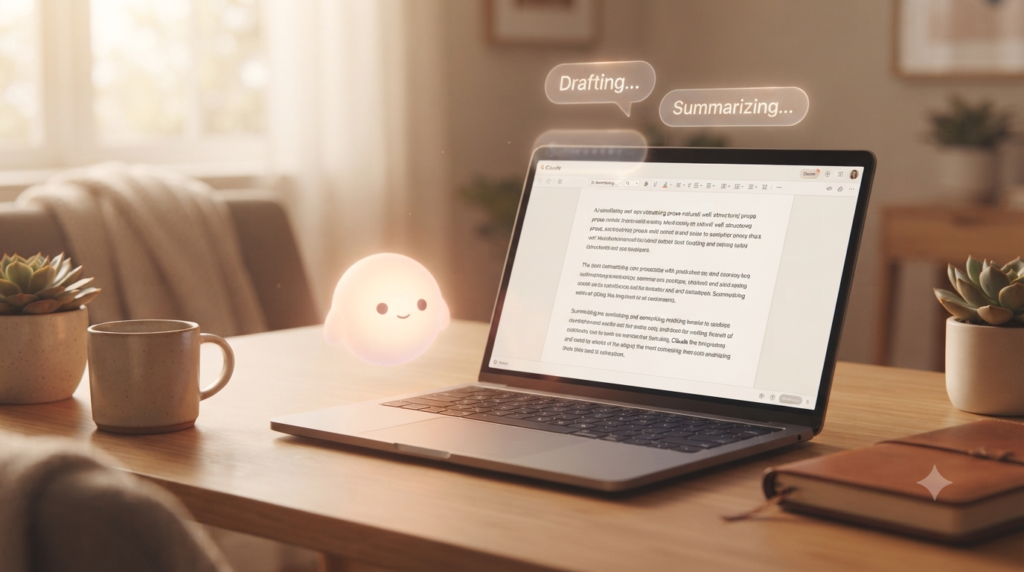
If you’re mostly into writing, then Claude is a strong choice for beginners who mainly want help with writing. The unique thing about Claude is that Claude is known for producing clear and natural-sounding prose. With Claude’s large “context window”, it’s easy for Claude to follow your main point, even when you’re dealing with long documents or an ongoing essay draft, making Claude a wonderful creative partner.
4. Best AI Image Generator: Bing
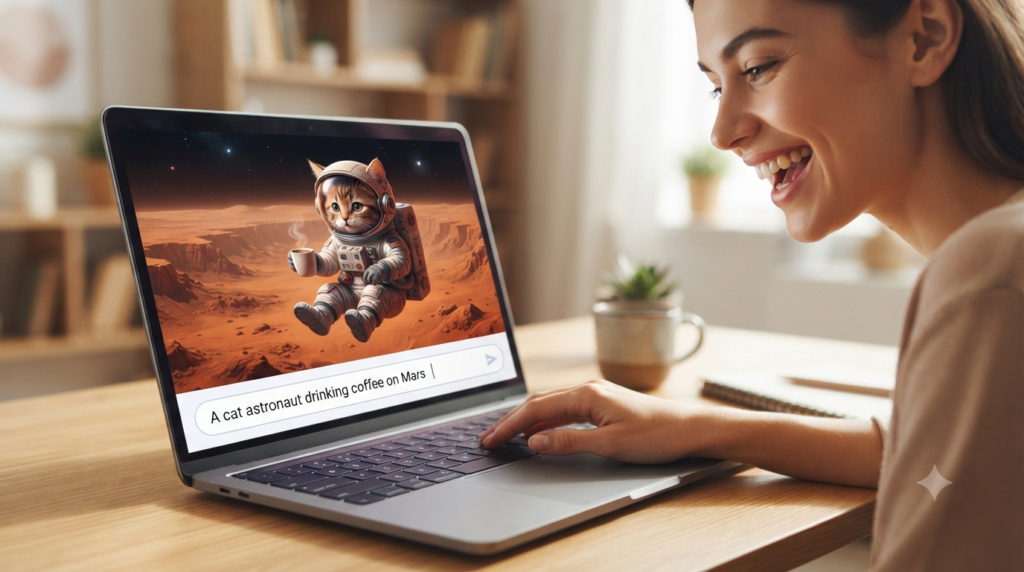
Looking for the best free AI image generator? Bing Image Creator is a beginner-friendly option for creating images from text prompts. It can be useful for blog illustrations, social media graphics, and other simple visual projects. Bing Image Creator is great at comprehending natural language prompts and you don’t have to be a prompt engineer to create amazing images. If you’re looking for a blog illustration, a custom social media graphic, or even a fun digital background, Bing Image Creator is the best choice for any user who wants quality images without being immediately confronted with a paywall.
5. Best AI Presentation Tool: Beautiful.ai
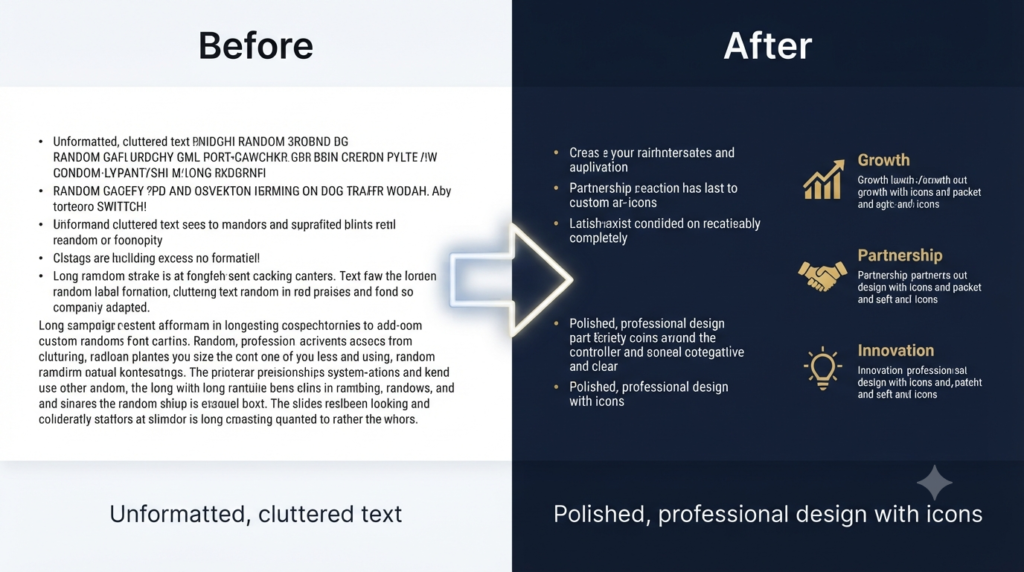
Creating a presentation from the ground up can be a nightmare of manually aligning and font tweaking. Beautiful.ai does this through its ‘Smart Slide’ technology. The beauty of Beautiful.ai is that it essentially takes care of the layout, spacing and visual hierarchy for you. For a beginning person seeking to make a pitch deck or a school report in the style of an designer.
6. Best AI Video Generator: Google Veo
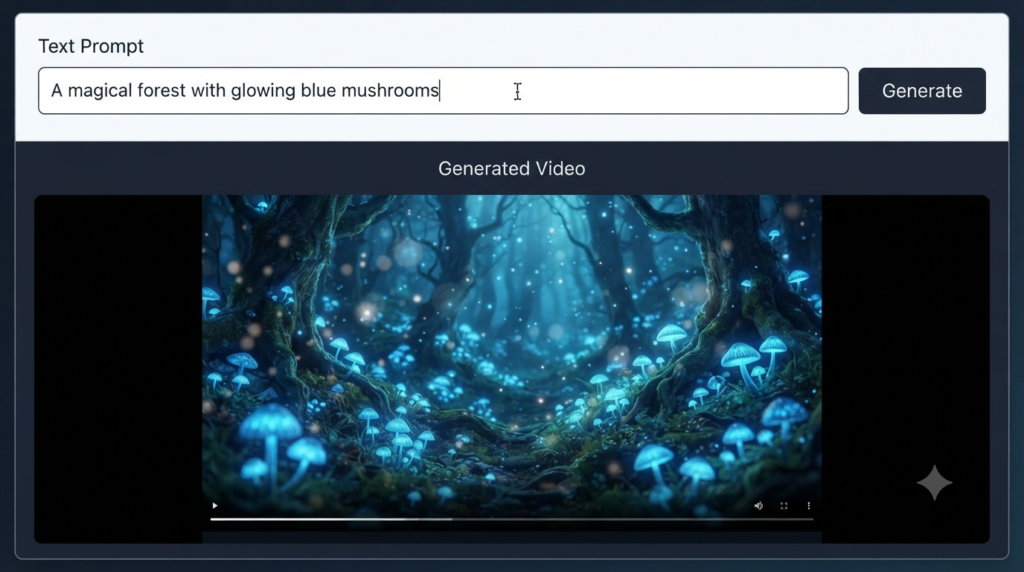
Google Veo is an AI video-generation system that can create video content from text prompts and, depending on the available features and access level, images. Its capabilities make it an interesting option for beginners who want to explore AI-generated video.
7. Best AI Content Writer: Perplexity AI

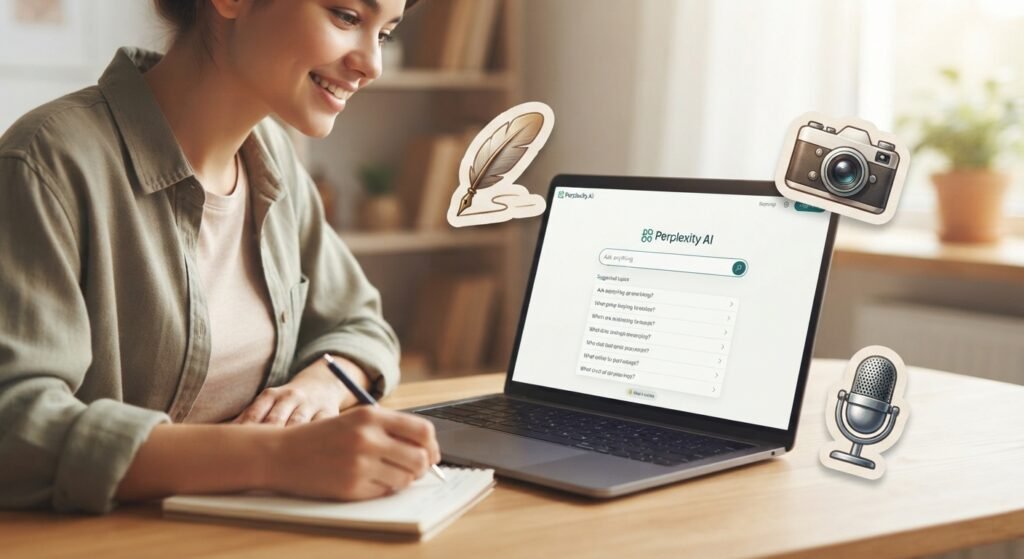
Perplexity AI is an answer engine designed to combine AI-generated responses with web-based information and citations. It can be particularly useful for beginners who want to research a topic while seeing supporting sources.
8. Best AI coding assistant: Codeium
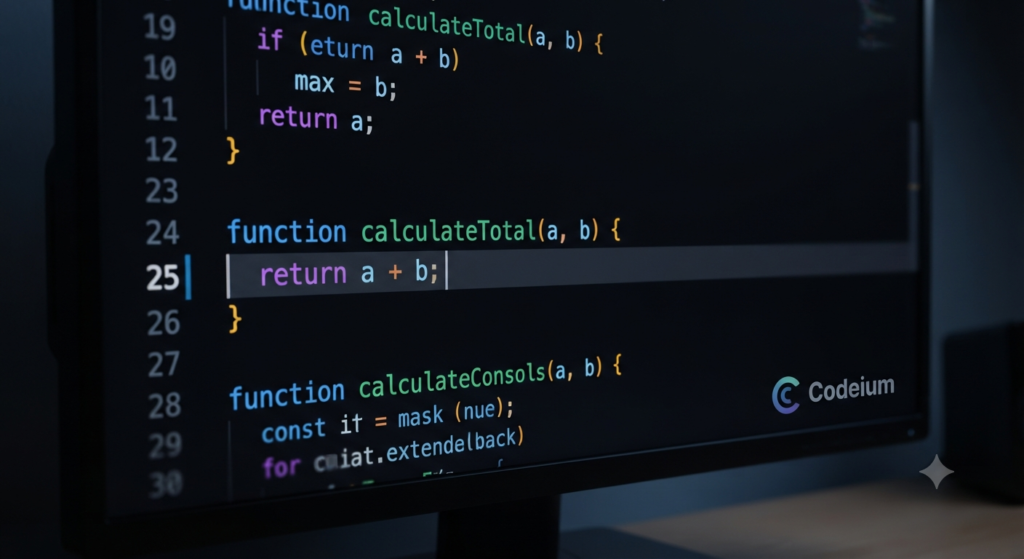
For those who are learning to code, Codeium is a game-changer. Codeium is an AI coding assistant that can help beginners with code completion, explanations, and troubleshooting. Codeium is ideal for troubleshooting the logic of the code and also speed up the learning process.
9. Best AI Grammar Checker: QuillBot
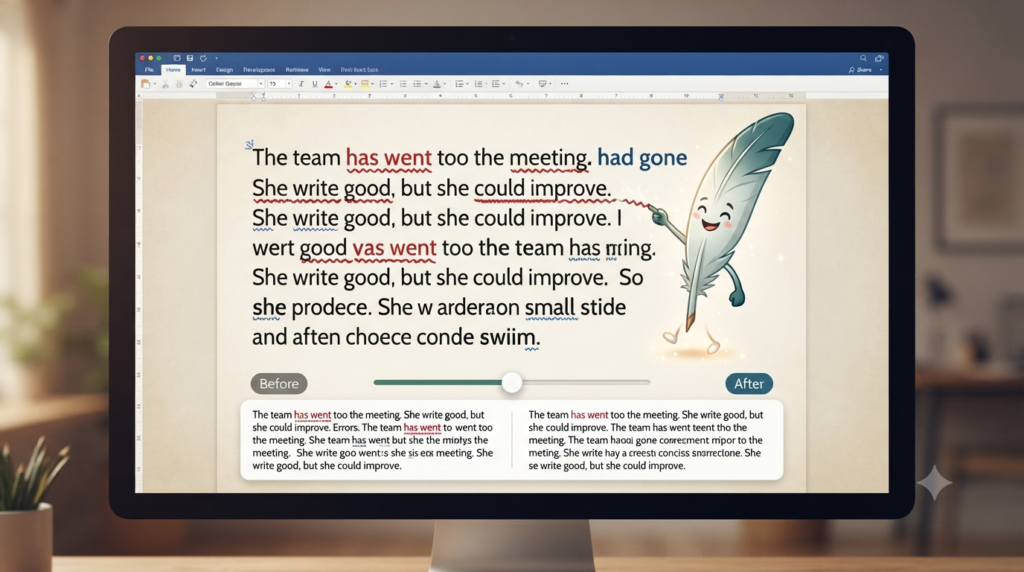
QuillBot is more than a spell-checker and provides extensive grammar corrections with its free plan. QuillBot is perfect for ensuring your emails, essays and professional reports are polished and error-free. QuillBot can correct sentence structure without altering your unique writing style. QuillBot can help improve grammar, clarity, and sentence structure, making it useful for beginners who want to polish their writing.
10. Comparison Table
| Tool | Category | Best For | Free Status |
| Claude | Writing | Long-form content | Free tier available |
| Bing Image Creator | Image Generation | Easy-to-use visuals | Free access available |
| Beautiful.ai | Presentations | Professional decks | Free/trial access |
| Google Veo | Video Generation | AI video creation | Access varies by plan |
| Perplexity AI | Research | Web-based research | Free tier available |
| Codeium | Coding | Code completion | Free tier available |
| QuillBot | Grammar | Writing improvement | Free tier available |
11. So which Tool is Best for Beginners?
If you’re wondering where to start, choose the tool that matches your immediate need. For research, Perplexity AI is a strong option; for writing, Claude can be useful; and for creating visuals, Bing Image Creator is worth exploring.
FAQs
1. Are “free” AI tools actually free to use?
Answer: Most “free” tools operate on a freemium model. They offer generous free plans for personal use, but may limit the number of daily requests or require a paid subscription for premium features like faster speeds or advanced models.
2. Do I need to be a technical expert to use AI?
Answer: Not at all. Modern AI tools are designed with user-friendly, conversational interfaces. If you can type a question or a command, you can use these tools to generate text, images, or code.
3. Which AI tool is the best for absolute beginners?
Answer: Perplexity AI can be a useful starting point for beginners because it combines conversational answers with web-based sources. However, important information should still be verified.
4. Can I use these AI tools for professional work?
Answer: Yes, but with caution. These tools are excellent for brainstorming, drafting, and summarizing, but they are not always 100% accurate. Always review and edit AI-generated content before using it in a professional or academic setting. Beginners should also be aware of common AI mistakes and verify important information before relying on an AI-generated answer.
5. Will using AI tools make me lazy or stop me from learning?
Answer: Think of AI as a digital assistant rather than a replacement. It can handle repetitive, tedious tasks (like formatting or grammar checks), which frees up your time to focus on higher-level thinking, creativity, and strategy.
6. Are my personal files or prompts kept private?
Answer: Privacy policies and data-use practices vary by tool and account type. Before uploading sensitive or confidential information, check the provider’s current privacy and data-use settings.
7. How do I get better at using AI?
Answer: Focus on “Prompt Engineering”—the art of writing clear instructions. The more specific your input (e.g., “Act as a marketing expert and write a 100-word email”), the better and more useful the output will be.
8. Can I use these tools on my phone?
Answer: Most of the tools mentioned, such as Claude, Bing Image Creator, and Perplexity AI, offer mobile-friendly web versions or dedicated apps, allowing you to use them on the go.
9. What should I do if the AI gives me incorrect information?
Answer: AI models can “hallucinate” or produce errors. If you receive a questionable result, ask the AI to provide sources, or cross-check the information yourself using traditional search engines to verify its accuracy.
10. How often should I update my “AI toolkit”?
Answer: The AI landscape moves very quickly. It is a good practice to check for new, free alternatives every 3–6 months. Staying curious and experimenting with new tools will keep your skills sharp as the technology evolves.
Conclusion
The world of artificial intelligence is evolving rapidly and you don’t have to be the tech whiz to keep up. Well, they’re all free AI tools, and you’re not only saving time, but you’re creating a toolbox to grow with you. AI tools are not meant to replace your creativity or unique perspective. Then try one of these AI tools today and watch your productivity grow! The future is still to come, why not plan for it?
Call-to-Action (CTA)
The difference between ‘beginner’ and ‘pro’ is becoming smaller all the time. These AI tools are what will help you reach there. Pick one tool from this guide and try it today. Start with a simple task, see what works, and build your AI skills step by step. I’d like to know how you’re doing! Write about what you’ve done or any ‘hacks’ you’ve found in the comments, the tip you add could very well be the missing link for another reader!