
Introduction
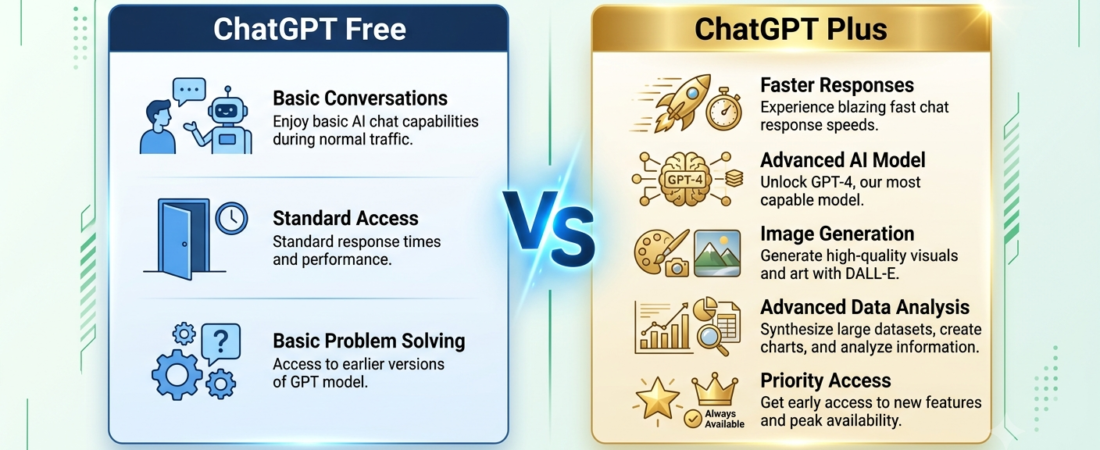
ChatGPT Free vs Plus is one of the most common questions for people deciding whether the free version of ChatGPT is enough or whether ChatGPT Plus is worth paying for. The free plan is useful for everyday questions, writing, learning, and basic AI tasks, while ChatGPT Plus provides higher access limits and additional features. In this guide, we compare ChatGPT Free vs Plus so you can understand the key differences and decide which option fits your needs.
1. What Is ChatGPT Free?
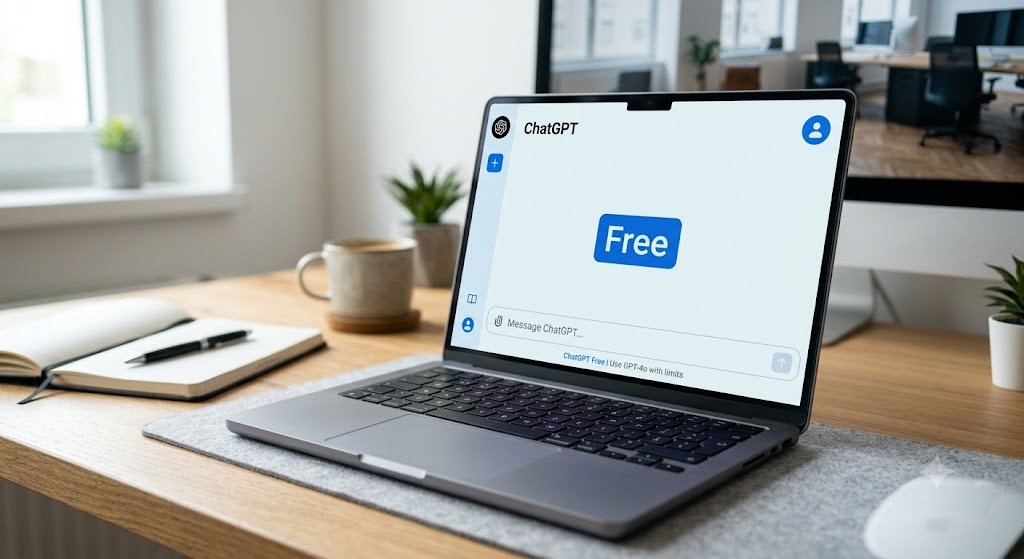
ChatGPT Free is OpenAI’s no-cost plan for everyday use. It provides access to a range of ChatGPT features, including text conversations, web search, file and image uploads, data analysis, image creation, and GPTs. Some tools have usage limits, and available models and features can change over time. Free users can use ChatGPT for everyday conversations, but individual tools and advanced capabilities may have separate usage limits. When you reach a limit, ChatGPT will notify you and show when access becomes available again. OpenAI’s ChatGPT Free Tier FAQ provides the latest information about available tools and usage limits.
2. What are the benefits of ChatGPT Plus?
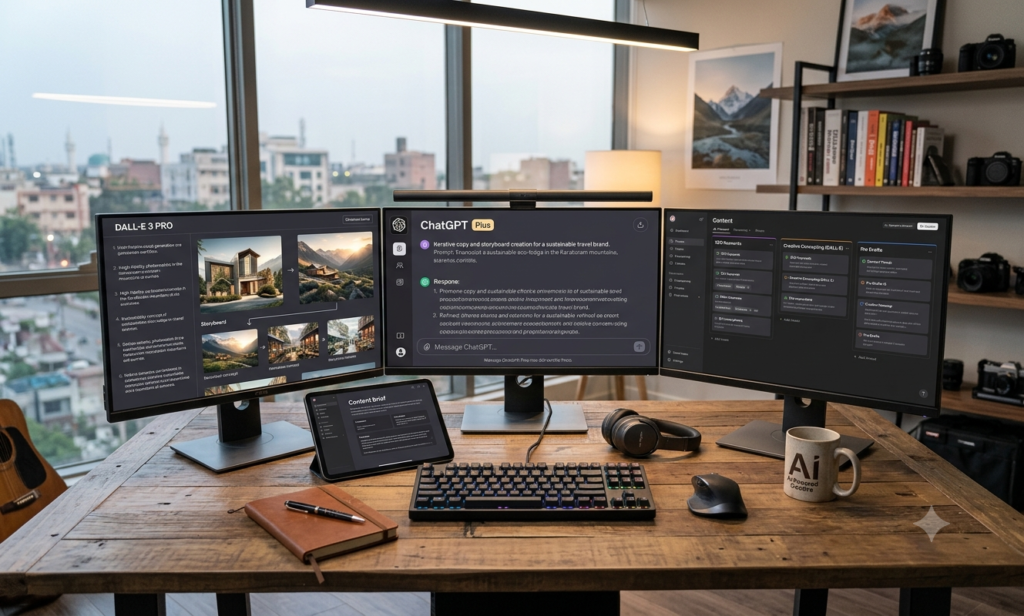
ChatGPT Plus is OpenAI’s individual paid plan, currently priced at $20 per month. It is designed for people who use ChatGPT frequently for work, study, coding, research, writing, and other demanding tasks. Plus provides higher usage limits, broader access to advanced models and tools, faster response speeds, and priority access during periods of high demand. Available models and limits can change over time.

3. ChatGPT Free vs Plus : Key Differences
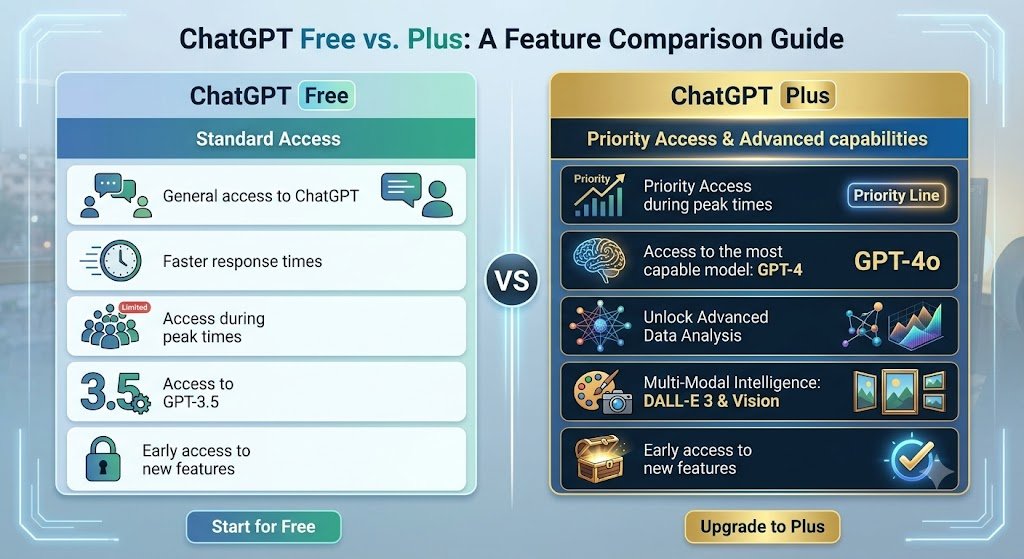
The main differences between ChatGPT Free and ChatGPT Plus are the level of access, usage limits, and availability of advanced features.
| Feature | ChatGPT Free | ChatGPT Plus |
| Price | Free | $20/month |
| Everyday chat | Available | Available, with higher access |
| Advanced reasoning | Limited access | Broader access |
| File and image uploads | Available with limits | Higher limits |
| Web search | Available | Available |
| Image creation | Available with limits | Expanded access |
| Deep Research | Limited access | Expanded access |
| Data analysis | Available with limits | Higher limits |
| GPTs | Discover and use GPTs | Discover and use GPTs; higher usage limits |
| Projects | Available | Expanded access |
| Codex | Limited access | Expanded access |
| Memory and context | Limited | Expanded |
| New features | Limited access | Earlier access to some features |
What about ChatGPT Go?
ChatGPT Go is another individual subscription option available in many countries. It sits between Free and the higher-tier plans in terms of access and pricing. If you are comparing plans beyond Free and Plus, check OpenAI’s current pricing page because availability, features, and limits can change over time.
4. Features Available in the Free Version.
The Free plan is useful for many everyday tasks. If you are new to ChatGPT, you can also explore these ChatGPT prompts for beginners to get practical ideas for everyday use.You can use ChatGPT for writing, learning, web searches, data analysis, file uploads, image creation, and other supported features, although some tools have usage limits.
- Write emails and essays.
- Translate languages.
- Fix grammar errors.
- Do web searches.
- Use the Canvas workspace.
- Upload files and images with usage limits.
- Use Deep Research with limited access.
- Create images with usage limits.
- Use the voice interface.

5. Features Available in ChatGPT Plus
ChatGPT Plus provides expanded access to advanced models and tools, along with higher usage limits and faster responses.
- Get higher usage limits for supported ChatGPT features.
- Access advanced reasoning models available with Plus.
- Use expanded research and data-analysis capabilities.
- Use expanded access to supported advanced tools and features.
- Get expanded access to image creation and other creative tools.
- Use expanded voice features where available.
6. Who should use ChatGPT Free?
ChatGPT Free can be a good choice if you use AI occasionally and mainly need help with everyday tasks. For example, you might use it a few times a week to improve a cover letter, create a recipe from the ingredients you have, explain a difficult topic, or help with learning and brainstorming. The Free plan can work well for students, casual users, hobbyists, and anyone who does not need frequent access to advanced features. If your usage is occasional and the Free plan meets your needs, you may not need to pay for ChatGPT Plus.

7. Who Should Upgrade to ChatGPT Plus?
ChatGPT Plus can make more sense if you rely on ChatGPT regularly for work, study, or other important tasks. It may be worth considering if you frequently reach the Free plan’s usage limits or want broader access to advanced features and tools.
For example, Plus may be useful for people who regularly use ChatGPT for coding, research, writing, data analysis, or other demanding tasks. If you only use ChatGPT occasionally for simple questions, writing help, learning, or brainstorming, the Free plan may still be enough. Whichever plan you choose, learning to write better AI prompts can help you get clearer and more useful results.
8. What Are the Pros and Cons of ChatGPT Plus?
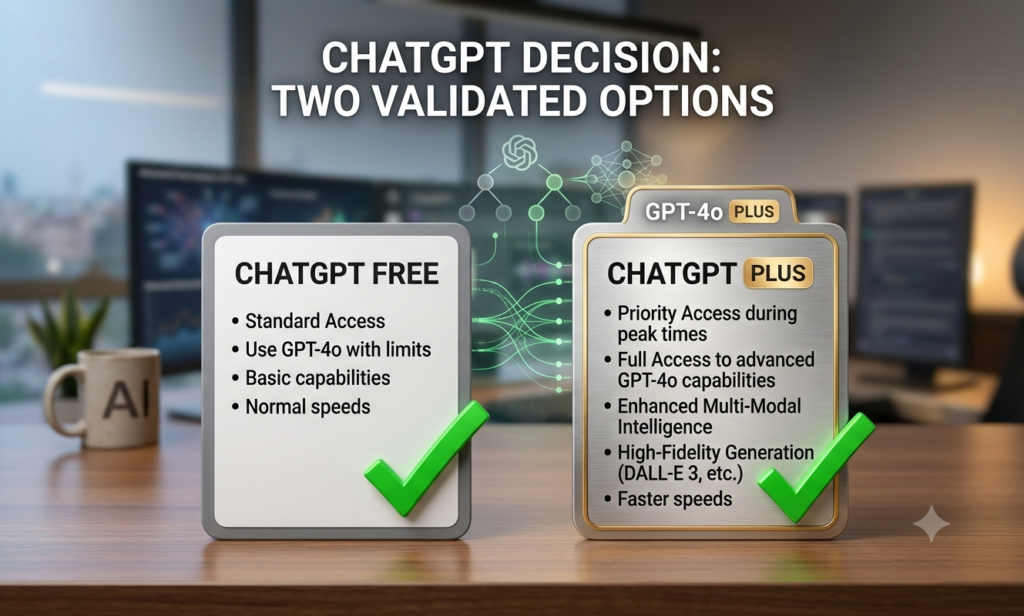
ChatGPT Plus can be worth while for users who rely on ChatGPT frequently and need higher limits, faster responses, or broader access to advanced tools.
The main advantages of Plus are higher usage limits, broader access to advanced models and tools, faster responses, and priority access during periods of high demand. For people working with larger or more complex tasks, expanded access and higher limits can make Plus more convenient.
9. Final Verdict
The final verdict on the ChatGPT Free vs Plus battle is a matter of quantity and quality.
If you mainly use ChatGPT for everyday questions, writing, learning, and occasional AI tasks, the Free plan may be enough for your needs. Whichever plan you choose, it is also worth knowing the common AI mistakes beginners make so you can use ChatGPT more effectively.
If you rely on ChatGPT regularly for coding, research, writing, data analysis, or other demanding tasks, Plus may be worth considering because it provides higher usage limits and broader access to advanced tools. At $20 per month, the decision ultimately depends on how often you use those features and whether the additional access saves you enough time or frustration.
FAQs
1. Does ChatGPT Plus pay off for general-day-to-day usage?
Answer: Probably not. If you mainly use ChatGPT for occasional emails, brainstorming, learning, or quick questions, the Free plan may be enough. For more practical examples, see our guide on how to use ChatGPT for study, work, and everyday life. Plus becomes more useful when you need higher usage limits or broader access to advanced tools.
2. How much more can I use ChatGPT with Plus?
Answer: Plus provides higher usage limits and broader access to advanced models and tools than Free. Exact limits can change over time, so check OpenAI’s current plan information for the latest details.
3. Are there ads in the free version of ChatGPT?
Answer: Ads may appear for Free and Go users in some countries. Availability can change as OpenAI expands its advertising program. Plus currently does not include ads.
4. Can I create images with the ChatGPT Free plan?
Answer: Free users can create images in ChatGPT, but image creation has usage limits. Other video and creative features may also depend on the tools and access available to your account. Plus provides expanded access to supported creative features.
5. What happens when I reach a usage limit on the Free plan?
Answer: ChatGPT will notify you when you reach a limit and indicate when access becomes available again. Different tools, such as file uploads, image creation, and data analysis, can have separate limits.
6. Can I create my own custom GPT on a personal ChatGPT account?
Answer: Currently, new GPT creation and publishing are not available on personal ChatGPT accounts, including Free, Go, Plus, and Pro. Existing GPTs can still be used, while creation remains available in supported Business, Enterprise, and Edu workspaces.
7. Does ChatGPT Plus provide faster responses?
Answer: Plus provides faster response speeds and priority access during periods of high demand. This can make ChatGPT more convenient for people who use it frequently.
8. What is Deep Research and who can use it?
Answer: Deep Research is a ChatGPT feature designed to investigate topics and produce more detailed, sourced results. Availability and usage limits depend on your plan and can change over time, so check the current ChatGPT plan information for the latest access.
9. Can I share one ChatGPT Plus subscription with my team?
Answer: ChatGPT Plus is an individual subscription and is not designed for shared team accounts. For collaborative work, consider a supported business workspace plan.
10. Can a ChatGPT Plus subscription be canceled at any time?
Answer: Yes. You can cancel a ChatGPT subscription through the platform where you purchased it. After cancellation, paid features generally remain available until the end of the current billing period.
11. How can I control whether my ChatGPT conversations are used for training?
Answer: ChatGPT provides data-control settings that let users manage how their conversations are used. Review the current Data Controls in your ChatGPT settings because available options and policies can change over time.
Call-to-Action (CTA)
The choice between ChatGPT Free and Plus depends on how you use ChatGPT. If you mainly ask occasional questions, write, learn, or brainstorm, the Free plan may be enough. If you use ChatGPT frequently for coding, research, writing, data analysis, or other demanding tasks, Plus may be worth considering for its higher usage limits and broader access to advanced tools.
Start with Free if you are unsure. If you regularly reach its limits or need features available with Plus, you can consider upgrading later.
Have you tried both ChatGPT Free and Plus? Share your experience in the comments.