
Introduction
Imagine creating YouTube videos, online courses, or podcasts without recording your own voice. AI voice generators can turn written text into natural-sounding speech in seconds. They are useful for YouTube videos, podcasts, online courses, social media content, and other projects that need voiceovers.
In this beginner-friendly guide, you’ll learn what AI voice generators are, how they work, their main benefits and limitations, and what to look for when choosing one.
What Is an AI Voice Generator?
An AI voice generator is a text-to-speech (TTS) tool that uses artificial intelligence to convert written text into spoken audio. Modern AI voice tools can produce natural-sounding speech with different voices, accents, speaking styles, and levels of expression.
Some advanced tools also offer voice cloning, which can create a digital version of a person’s voice when the required permission is provided.
How AI Voice Generation Works
Operating an AI voice generator isn’t difficult. It’s as simple as this:
- Enter or paste your script into the AI voice platform.
- The AI analyzes the text, including punctuation, wording, and context.
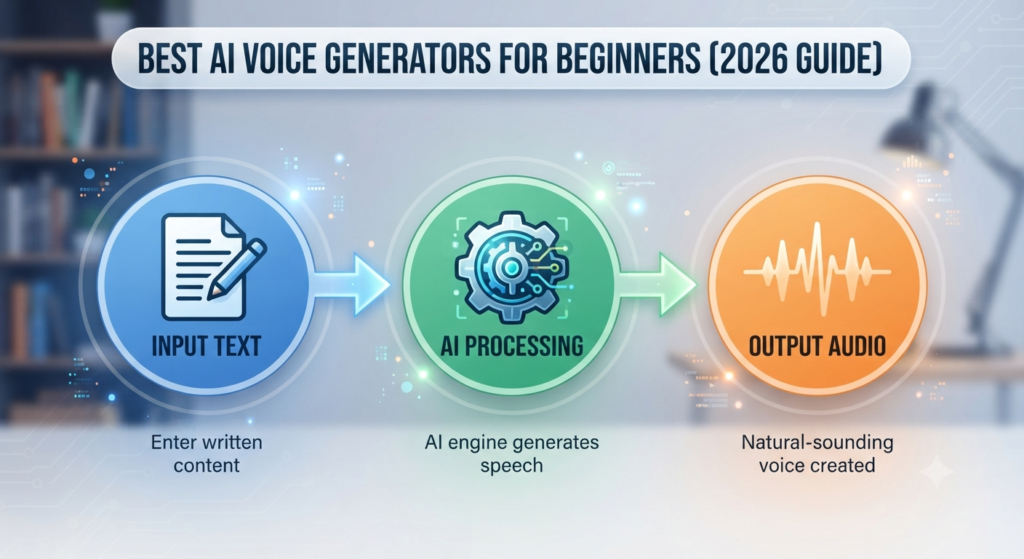
- The system generates speech using an AI voice model.
- You can adjust settings such as speed, pitch, pronunciation, or speaking style, depending on the tool.
Benefits of AI Voice Tools
There are benefits to using AI voice tools. Here are some of them:
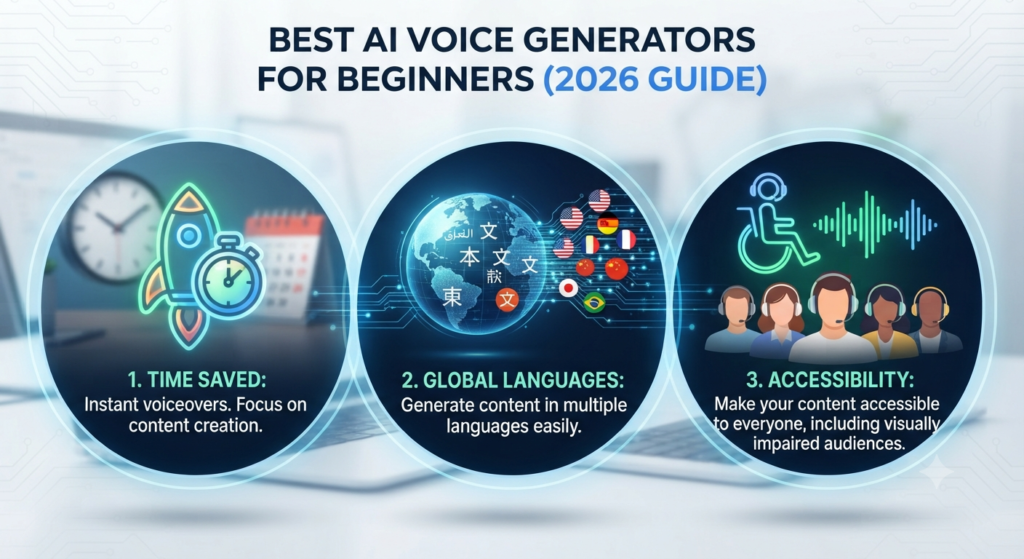
- Save time: Create voiceovers without recording every line yourself.
- Lower production costs: Many tools can reduce the need for recording equipment or voice talent for simple projects.
- Easy to use: Most online tools let beginners create audio directly from a written script.
- Multiple languages: Many modern platforms support multiple languages and accents.
- Accessibility: AI-generated audio can make written content easier to listen to.
- Consistent voice: You can maintain a consistent voice style across videos, courses, podcasts, or other content.
Popular AI Voice Generators for Beginners
| Tool | Best For |
| ElevenLabs | Natural-sounding voices and voice cloning |
| Murf AI | Presentations and professional voiceovers |
| PlayAI (PlayHT) | Voice generation and multilingual audio |
| Speechify | Reading documents and text aloud |
| Microsoft Azure AI Speech | Developers and businesses |
Free vs. Paid AI Voice Tools
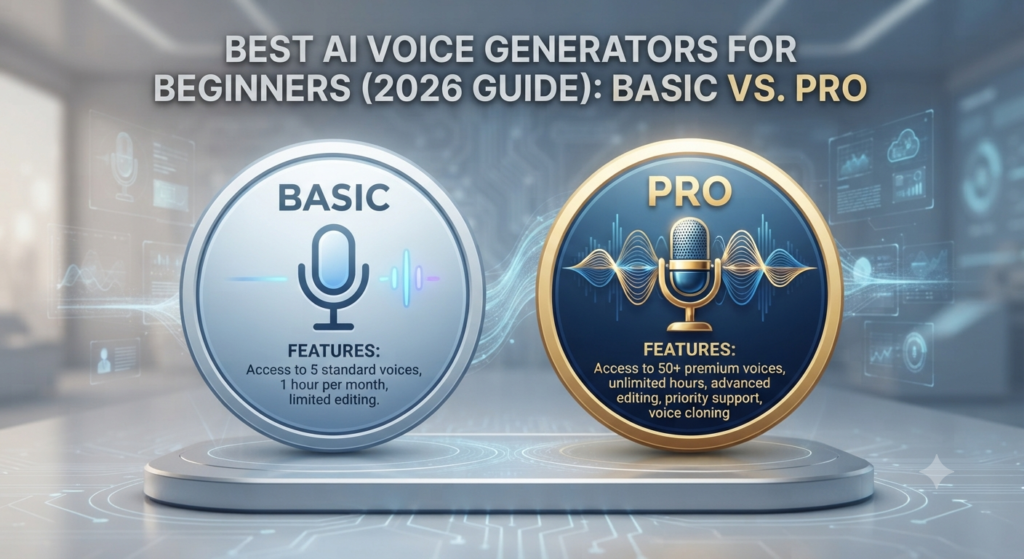
If you’re uncertain about any of the options, here is a comparison:
| Feature | Free Plans | Paid Plans |
| Voice Quality | Good for basic projects | More advanced options may be available |
| Commercial Rights | Depends on the provider and plan | Usually broader, but check the license |
| Customization | Often limited | More voice and editing controls |
| Languages | Depends on the tool | Often broader selection |
| Best For | Testing and personal projects | Regular creators and businesses |
Best Uses of AI Voice Generators
AI voice generators can be useful for many types of content. YouTube creators can use AI video generators for video and use AI voice generator for narration, while podcasters and audiobook creators can use AI voices for certain types of narration.
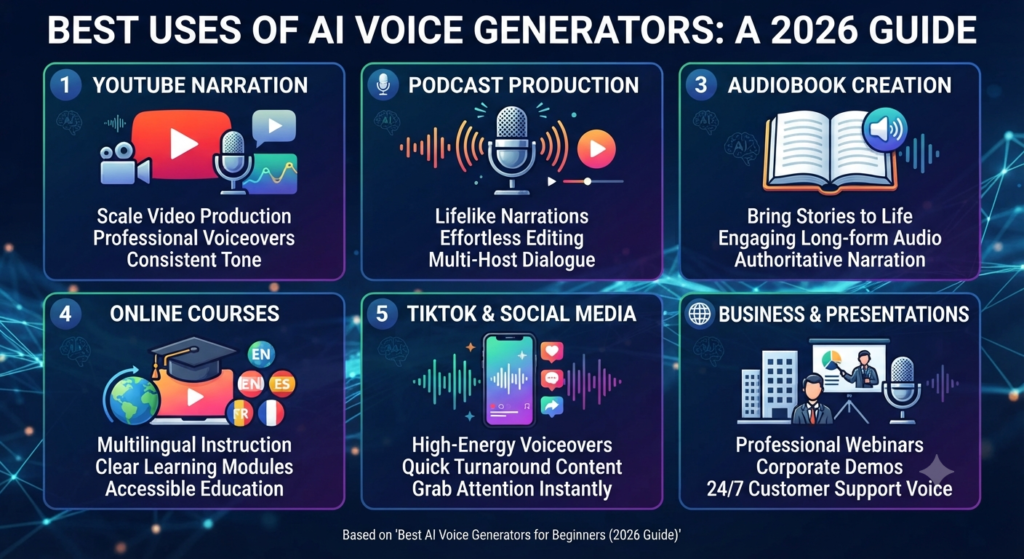
Teachers and course creators can also use AI-generated speech to create educational content. Businesses may use AI voices for presentations, training materials, product demonstrations, and customer-facing content.
The best use depends on the tool’s voice quality, language support, licensing terms, and customization options. AI tools for everyday tasks can also help beginners save time and simplify common activities.
How to Choose the Right AI Voice Generator

When choosing an AI voice generator, consider these five factors:
- Voice Quality: Listen to sample voices before choosing a tool. The voice should sound natural and suit your content.
- Language Support: Check whether the platform supports the languages and accents you need.
- Commercial Rights: If you plan to monetize your videos, courses, podcasts, or other content, check whether your plan allows commercial use.
- Easy to use: Beginners should look for a simple interface that makes it easy to create, edit, preview, and export audio.
- Pricing: Start with a free plan or trial when available. Upgrade only if you need more credits, voices, languages, or advanced features.
Common Mistakes Beginners Make
Mistakes are made by all of us. These are some of the more common ones to be wary of:
- Ignoring commercial licensing
- Choosing an unnatural-sounding voice
- Skipping proofreading
- Exporting audio at unnecessarily low quality
- Using someone’s cloned voice without permission. Learning about AI safety and responsible AI use can also help beginners avoid problems when working with AI-generated voices.
FAQs
1. Can I use AI-generated voices for monetized YouTube videos?
Answer: Yes, in many cases, but you must check the commercial-use terms of the specific tool and plan you are using. Some platforms may restrict commercial use on free plans.
2. How much training audio is needed to clone my own voice?
Answer: It depends on the platform and the type of voice cloning you choose. Some services can create an instant clone from a short recording, while higher-quality professional cloning may require substantially more clean audio. Always follow the provider’s current requirements.
3. Why do some AI voices still sound “robotic”?
Answer: AI voices can sound robotic when the system has difficulty with pronunciation, pacing, emphasis, or emotional expression. Better models and voice settings can produce more natural results, but the quality still varies between tools and voices.
4. What is the difference between Text-to-Speech (TTS) and voice cloning?
Answer: Standard TTS uses a pre-existing library of professional voices to read your text. Voice cloning creates a unique digital replica of a specific person’s voice by analyzing their vocal patterns and tone.
5. How do I make an AI voice sound more “emotional”?
Answer: Choose a natural-sounding voice and adjust settings such as speed, pauses, pronunciation, emphasis, or speaking style when the platform provides them. Good punctuation and clear writing can also improve the final result.
6. Are there any legal risks when using AI voice generators?
Answer: Never clone or imitate another person’s voice without appropriate permission, and check the platform’s terms before using generated audio commercially.
7. Can AI voice generators handle multiple languages?
Answer: Many leading AI voice platforms support multiple languages and accents, but the exact number varies by provider and voice model. Check the tool’s current language list before choosing one.
8. Do I need expensive hardware to use AI voice generators?
Answer: Usually not. Most web-based AI voice generators run in the cloud, so you generally need only a browser and an internet connection. Some local or real-time voice tools may have higher hardware requirements.
9. Can I clone my own voice?
Answer: Yes. Many AI voice platforms offer voice cloning. If you clone a voice, make sure you have the necessary permission to use that voice and follow the provider’s rules.
10. Is AI-generated voice copyrighted?
Answer: Ownership and usage rights depend on the platform’s terms, your input, and applicable laws. Always check the specific tool’s terms before publishing or monetizing AI-generated audio.
Conclusion
AI voice generators have made it easier for beginners to create natural-sounding audio without traditional recording equipment. They can be useful for YouTube videos, podcasts, online courses, social media content, and other projects.
Before choosing a tool, compare voice quality, languages, ease of use, pricing, and commercial-use rights. Start with a free plan or trial when available, test a few voices, and upgrade only when you need additional features.
Call to Action
Ready to try an AI voice generator? Start with a free plan or trial when available and test a few voices with your own script. Choose the tool that gives you the best combination of voice quality, features, and licensing for your project.