
1. Introduction
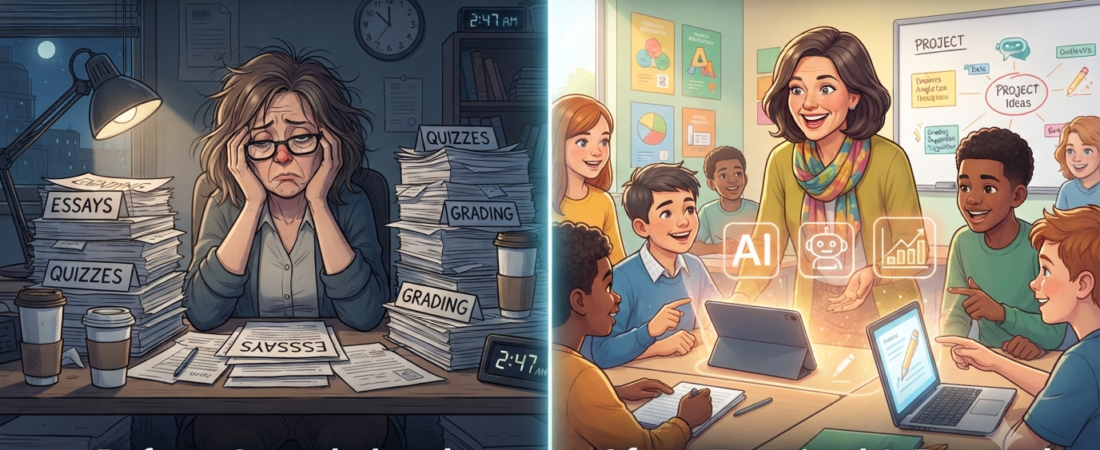
Teaching is one of the most rewarding professions, but it also comes with a heavy workload. From planning lessons and grading assignments to communicating with parents and managing classrooms, teachers often spend hours outside school completing administrative tasks. The right AI tool can help with some of these repetitive jobs, while the teacher remains responsible for checking and adapting the final material.
2. Quick Comparison Table
| Tool | Free Plan | Best For | AI Features | Ease of Use | Starting Price | Notes |
| ChatGPT | Yes | General brainstorming & drafting | Text generation, outlining, explanations | High | Free; Plus $20/mo | General-purpose tool; plan limits can change |
| MagicSchool AI | Yes | K-12 teacher workflows | 80+ teacher tools, lesson plans, quizzes | Very High | Free; Plus $8.33/mo annual | Individual Plus price is billed annually |
| Canva Magic Studio | Yes for eligible K-12 teachers | Visual designs & presentations | Magic Write, design and classroom content | Very High | Canva Education: Free | Teacher verification and eligibility apply |
| Brisk Teaching | Yes | In-workflow teacher tasks | Lesson plans, quizzes, feedback, adaptation | High | Free; school/district premium pricing | Free teacher plan includes 20+ core tools |
| Quizizz AI | Yes (limits apply) | Gamified formative assessment | Quiz and question generation | Very High | Free plan; paid options vary | Check current plan limits and pricing |
| Gamma | Yes (credits/limits apply) | Slide decks & visual content | AI presentation creation and styling | Very High | Free plan; paid upgrades | AI usage uses credits |
| Curipod | Yes | Interactive lessons & writing practice | Polls, activities, feedback | High | Free; school/district plans available | Free teacher plan available |
| Diffit | Yes (limited) | Differentiation & reading support | Adapted resources, scaffolds, vocabulary | Very High | Free; individual Premium $14.99/mo | Annual individual plan also available |
| Education Copilot | Yes | Lesson plans & handouts | AI templates and classroom resources | High | Free; Pro $9/mo annual | Free plan includes 3 core AI templates |
| Google Gemini | Yes for qualifying education users | Google Workspace & general tasks | Lesson planning, drafting, research, summaries | Very High | Gemini for Education: no cost for qualifying institutions | Google AI Pro for Education is a separate paid add-on |
3. What makes a good AI tool for teachers?
Before choosing an AI tool, it’s important to know what features matter most. AI tools aren’t all created equal. If you’re searching for the AI tools for teachers, here are some points to keep in mind:

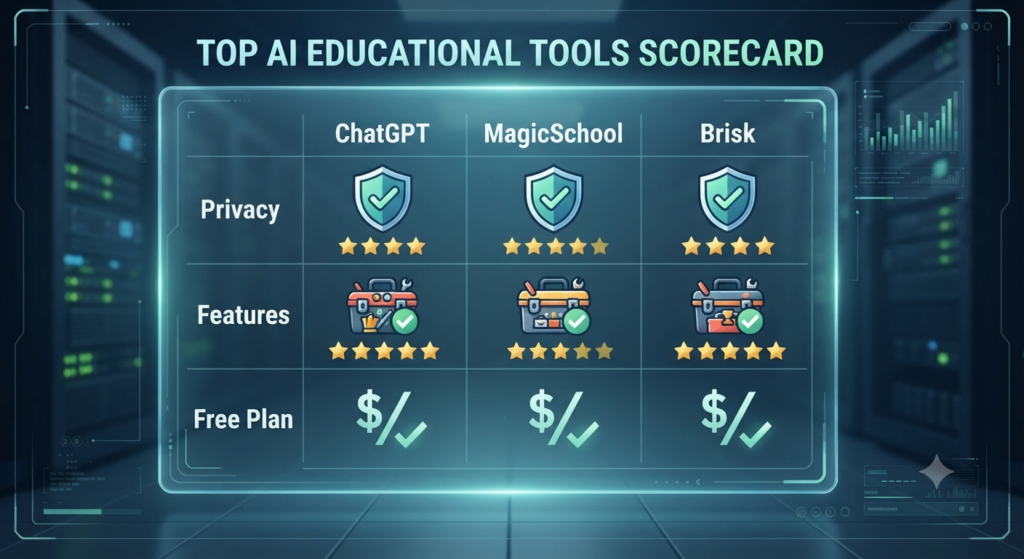
- Student data is of paramount importance: Real Privacy Standards. All platforms used in the classroom need to be compliant with privacy laws such as FERPA and COPPA.
- A lot of text is not helpful: Classroom-Ready Formats Good Educational Technology converts data into rubrics, printable worksheets or into clear lesson structures.
- Low Tech Friction: There isn’t enough time to learn software. The best platforms fit into Google Docs, your browser or existing learning management systems.
• True differentiation: In every classroom there are students with different needs. Useful tools can help teachers adapt a reading passage, activity, or explanation to different levels while keeping the main learning goal.
4. How We Selected These AI Tools
- Ease of use: It’s super important that it’s easy to use. We selected platforms that are easy to use, even for first-time users. Limit the amount of clutter you have. This implies that teachers will be able to begin on using them without having to know a great deal of new things.
- Free plan availability: Additionally, we believe it’s a wonderful thing when there is a plan available from these platforms. This way teachers can try out the features without having to pay any money first.
- Classroom usefulness: Platforms have to be of classroom use. This should include supporting teachers in all activities such as lesson planning in ensuring that the material is understood by all the students and in making grading easier.
- Privacy: We respect your privacy. The platforms we choose to use must ensure the safety of students’ information. Observe regulations, such as COPPA and FERPA.
- Value for money: We want to make sure that teachers get a value for their money. If they have to pay for the subscription it should save them time. Help them be more productive.
- Teacher reviews: We get feedback from other teachers about the platforms. We enjoy it when a lot of teachers use a platform and tell things about it.
- AI Features: The platforms should be integrated with AI capabilities as well. This includes things, like being able to understand what teachers are saying and making tests that’re smart. They also should have the ability to aid teachers plan their lessons to accommodate the curriculum.
5. Best Ai Tools for Teachers
ChatGPT is a great tool. It’s not for schools, but it can be very helpful for teachers. When you need an explanation to your students, an email to a parent or a lesson plan, ChatGPT can do it in seconds.
Why teachers love ChatGPT: It is very flexible. It can be used to create custom writing prompts, explanations, or test questions.
MagicSchool AI is one of the AI tools for teachers. It offers more than 80 utilities to assist you with things such as writing IEP goals, planning units of science and report card comments.
Why teachers love MagicSchool AI: It has an assistant named Raina. Raina can assist you with getting the template you require without needing to find it.
Canva is a software that allows anyone to create an amazing classroom handout, newsletters, and slide decks. The text-to-design prompts can be used to create a visual infographic, and it will create a stunning layout in no time.
Why teachers love Canva: Magic Write can help draft text or rewrite instructions in more student-friendly language.
Brisk Teaching is an in-browser, Google Docs application. Highlight any article or PDF and easily transform it to a levelled reading for a student quiz or detailed lesson plan.
Brisk Teaching’s features make it easy for teachers to incorporate into their existing documents. Gives students feedback on their writing in a more positive and constructive way, in less time.
Quizizz is a tool to make quizzes fun for students. A Reading Assignment may be pasted. The platform creates interactive multiple-choice questions and flash cards from a syllabus uploaded.
What teachers appreciate about Quizizz AI: Converts text files into interactive, gamified quizzes in less than 60 seconds.
Gamma is a tool that lets you create presentation decks and web pages simply by typing a short description of a topic, or an outline. The AI automatically handles the color schemes, layout cards and visual flow.
Why teachers love Gamma: It provides professional presentation decks without any design experience.
A tool to create lessons with live polls, word clouds, drawings and AI moderated safe peer feedback loops is Curipod.
Why teachers love Curipod: Provides you with a real-time assessment of student understanding during a lesson.
Diffit is a program that will enable you to read any article or excerpt from a textbook on the web—and instantly change its level to suit your students’ specific needs, while maintaining the essence of the material you’re reading.
Why teachers love Diffit: Auto matches adapted text to custom vocabulary lists and reading comprehension checks.
There are templates available in Education Copilot to help you get your daily preparation completed faster. It will enable you to create lessons, students’ project log, assignment specifications in no time.
Why teachers love Education Copilot: It maintains your units organized in a predictable easy, to-read template layout.
Google Gemini is a tool that’s built into your current Google Drive tools. It can be used to summarize administrative PDFs, outline lesson notes or write communication emails without ever opening a new browser tab in Google Docs and Gmail.
Why teachers love Google Gemini: It is integrated into their current Google Drive tools, so no additional passwords to remember.
Best For
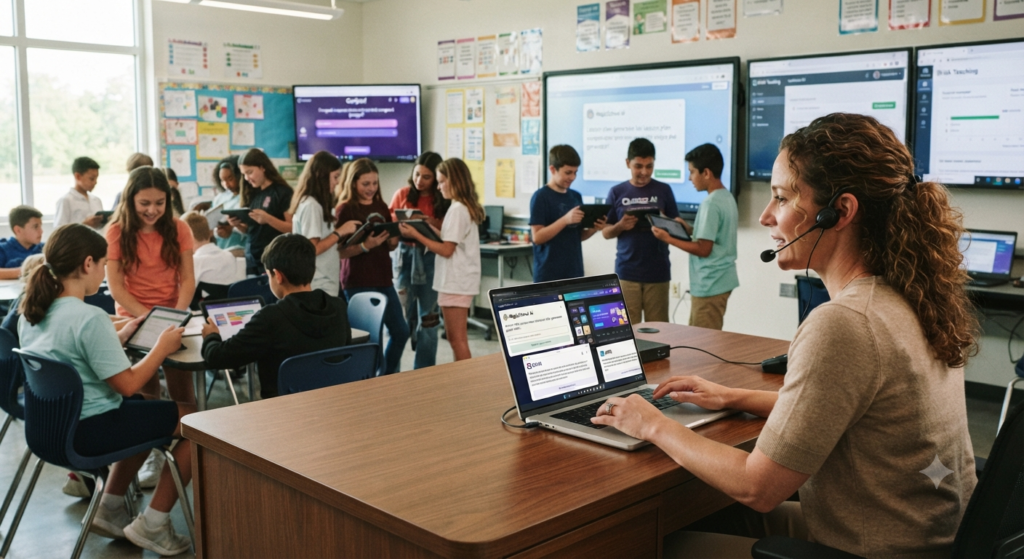
General Content & Brainstorming: ChatGPT & Google Gemini can be used for broad text generation, creative writing, and multi-purpose problem-solving, as well as brainstorming many different topics.
MagicSchool AI and Brisk Teaching work best with generating rubrics, lesson plans and targeted student feedback, as well as automating teacher workflows.
For quickly making eye-catching slide decks, infographics, and interesting visual learning materials, Canva Magic Studio and Gamma are best.
These tools are most suitable for differentiation & interactive learning, such as adapting text to different reading levels, creating interactive presentations for students, and creating gamified formative assessments, namely: Differentiation & Interactive Learning: Diffit, Curipod, Quizizz AI, and Education Copilot.
6. Free vs Paid Options
In the search for the best AI tools for teachers, cost is always a consideration. Plans and limits can change, so treat the prices below as a general guide and check the provider before subscribing:
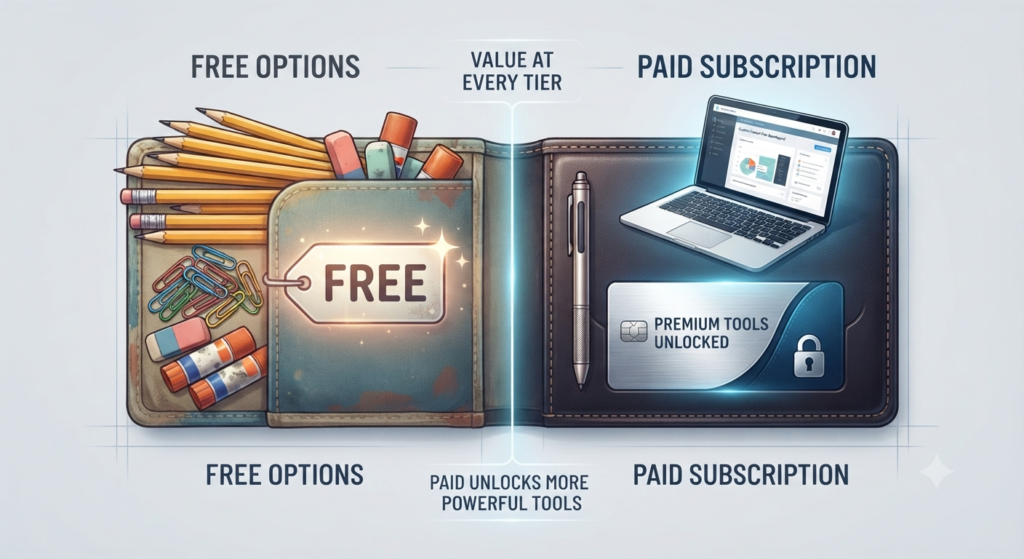
- Free Versions: Most platforms offer good free versions such as MagicSchool, Brisk and Diffit. These provide you with access to the basic text generators and reading level adjustments, but are limited in use each month. The free versions are adequate for teachers.
- Paid Versions: If you’d pay (this is typically anywhere between $8 to $15 per month) you’ll get features. The tools can be used as much as you’d like to obtain improved analytics and even quicker speeds. There are also options to export your work too.
- District Plans: These are designed for whole schools or districts, providing enterprise security, single sign-on (SSO), and specialized administrative management.
7. Tips for Using AI Responsibly in Education
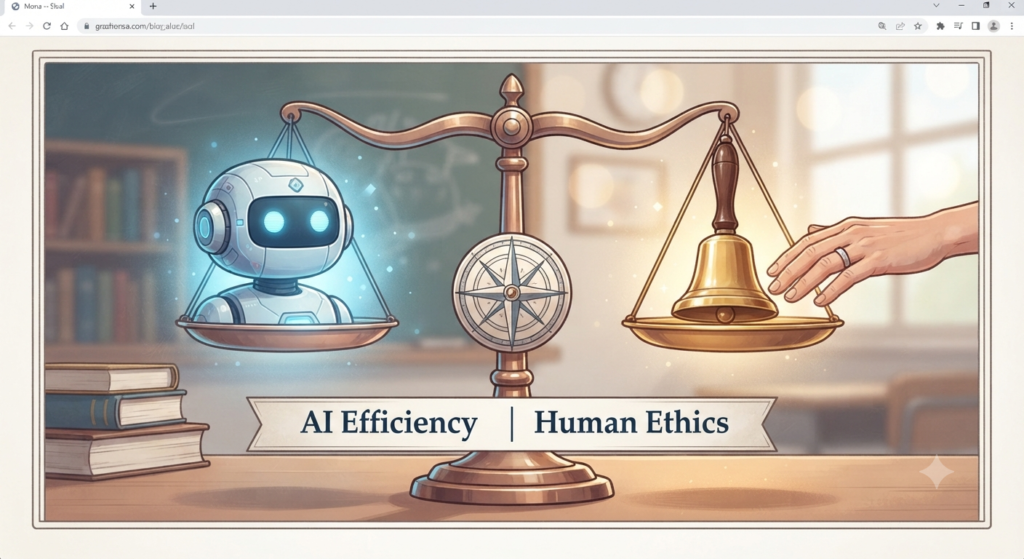
AI tools can be very useful, but they shouldn’t take the place of the relationship between you and your students. Remember these rules:
- AI may provide information or not align with your local curriculum, Always Check the Output: Always read the output very carefully. It is equivalent to a first draft.
- Keep your students’ information safe: Do not share any information regarding your students, such as their names and medical information, with public AI tools. Use only tools appropriate for educational purposes.
- Be A Good Example: Share with your students how you use AI tools to create resources. This is one way to educate them on digital tools and how to use them responsibly.
8. Which Ones Are Beginner-Friendly?
If you’re not tech-savvy and need to get up to speed fast, try these platforms:

- MagicSchool AI: For teachers use. Is easy to use. There’s no need to know much about technology – just fill in some boxes and click on generate.
- If you have previously used a template, you will find Canva easy to use. Very easy to use.
- Paste a link or some text, then select a grade level. All you need to do is paste a link or some text, then select a grade level. It will create a Resource Packet for you on the platform.
9. Which Tools Help With…
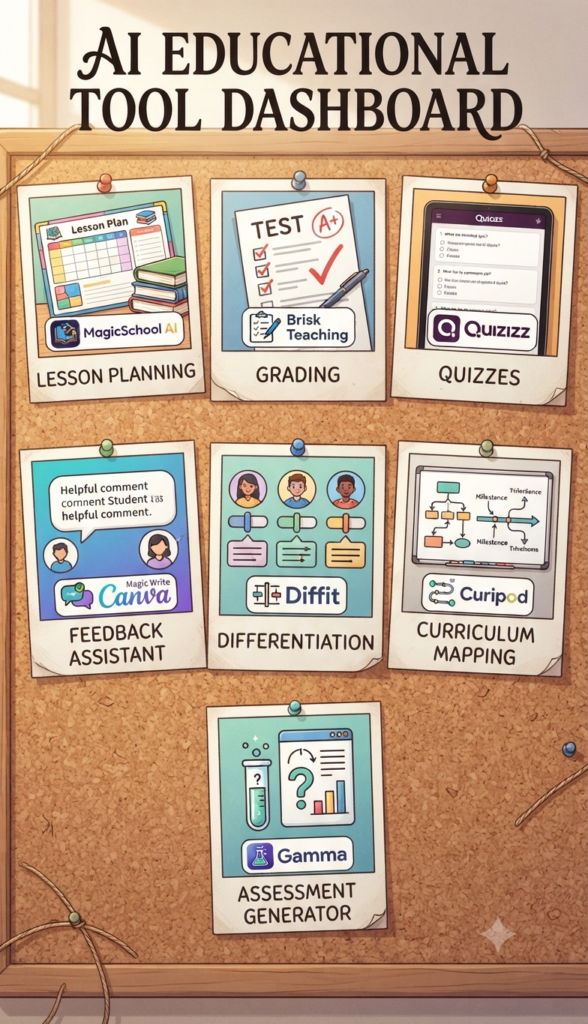
Gone are the days of scouring the internet for the right tool, here’s how to save time and effort:
- MagicSchool AI, Brisk Teaching and Education Copilot are suitable for this function.
- Making Quizzes: Quizizz AI and MagicSchool AI: Excellent for creating quizzes.
- For making presentations: Gamma and Canva Magic Studio are great.
- Worksheets: MagicSchool AI and other curriculum generators are helpful for creating worksheets.
- Grading: Brisk Teaching and dedicated assessment helpers are good for grading.
- Images: Canva Magic Studio is helpful for creating custom posters and visual vocabulary.
- Classroom Activities: Curipod and Quizizz AI are good for engagement.
10. Quick Tips for Beginners
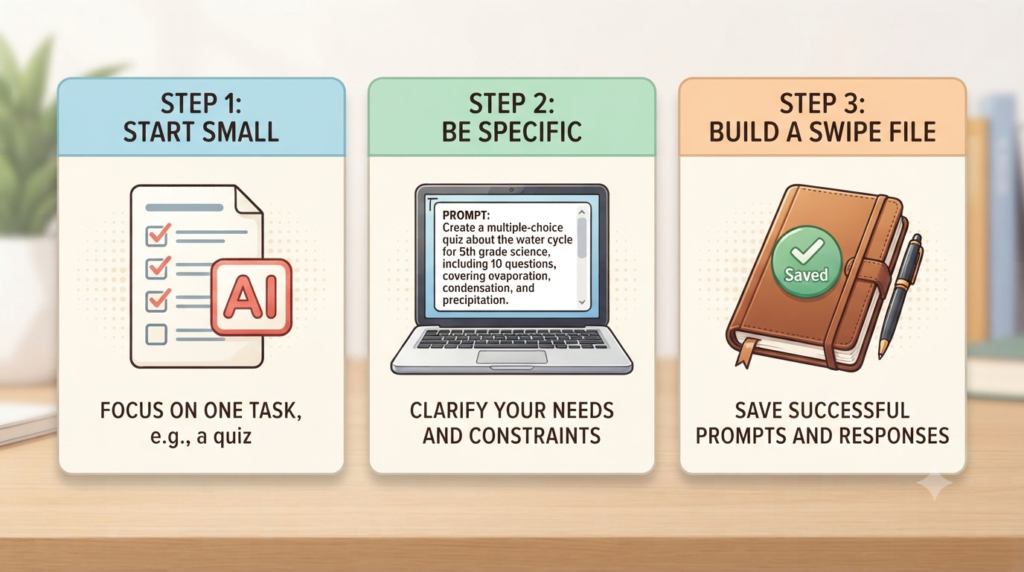
- Start with One Task: Don’t try using AI for everything at once. Start with a single task such as creating exit tickets or lesson plans, then gradually expand.
- Be Very Specific about what you want: The secret to achieving results is to be specific. If you ask for a lesson on fractions, ask for a 45-minute math lesson on adding fractions with unlike denominators, 5th graders, with a visual hook, and with a 3 question exit ticket.
- Save Your Good Results: Save the prompt used if you get a result from an AI tool so you can use it again later.
FAQs
1. How does AI help teachers save time on grading?
Answer: Some AI-powered platforms can help organize student work, apply a teacher-provided rubric, suggest feedback, or identify patterns in responses. Teachers should review the results rather than relying on automated grading without checking.
2. Can AI lesson plans be customized to state standards?
Answer: Many education-focused AI tools let teachers provide standards, curriculum goals, grade level, or learning objectives when creating a lesson plan. The exact options vary by platform, so teachers should review the final plan against their required standards.
3. Are there free AI tools that don’t require a credit card?
Answer: Some teacher-focused platforms offer free plans without requiring payment information, but signup requirements can change. Check the provider’s current pricing page before creating an account.
4. What is the best AI tool for generating quizzes from a PDF?
Answer: Tools such as Quizizz AI, MagicSchool AI, and other education-focused platforms can help turn source material into quiz questions. The best choice depends on the type of file, question formats, usage limits, and the amount of editing you want to do.
5. Can students detect if a teacher uses AI to make materials?
Answer: AI-generated materials are not automatically reliable or undetectable. Teachers should edit and personalize AI-assisted materials, check facts and examples, and follow their school’s policies about AI use and disclosure.
6. What is the difference between ChatGPT and education-specific AI tools?
Answer: ChatGPT is a general-purpose conversational AI tool that can help with drafting, brainstorming, explanations, and many other tasks. Tools such as MagicSchool AI and Diffit are designed around education workflows, with features such as lesson templates, reading-level adjustments, and classroom resources.
7. How do I adapt reading materials for English Language Learners (ELL) using AI?
Answer: Tools such as Diffit can help teachers adapt text to different reading levels and create supporting resources. Teachers should review the adapted material to make sure the meaning, key vocabulary, and learning goal are still accurate.
8. Do I need coding or tech skills to use teacher AI tools?
Answer: Not at all. Most modern educational AI platforms are designed with simple, form-based interfaces where teachers just fill out drop-down menus (grade level, topic, format) and click generate.
9. Can AI help write IEP (Individualized Education Program) goals?
Answer: Yes, some K-12 platforms include tools that can help teachers draft IEP goals, accommodations, or related planning materials. These drafts should always be reviewed by the appropriate educator or specialist before use.
10. How can teachers teach students about responsible AI use?
Answer: Educators can model transparency by showing how they use AI to brainstorm resources, encouraging students to check AI outputs for factual errors, and establishing clear classroom guidelines on academic integrity and appropriate AI use.
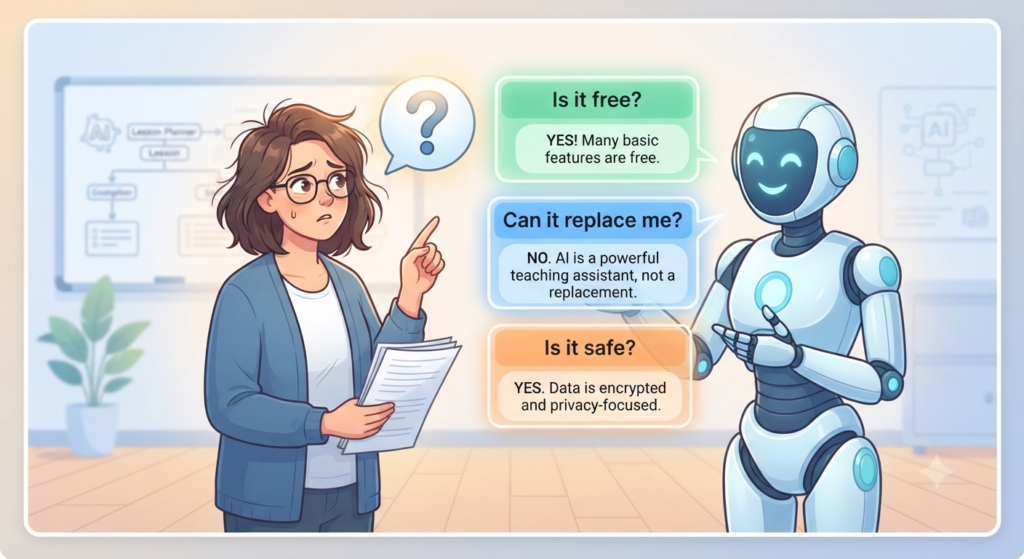
11. Are AI tools for teachers completely free?
Answer: Many platforms offer free plans or limited free access, but advanced features, higher usage limits, exports, or school-level controls may require payment. Check the current plan for the tool you want to use.
12. Can AI replace teachers?
Answer: AI can assist with some repetitive tasks, but it cannot replace the human relationships, judgment, classroom awareness, and support that teachers provide. It works best as an assistant rather than a replacement.
13. Is it safe to use AI with student data?
Answer: It depends on the platform, the information involved, and your school or district policy. Avoid entering sensitive student information into public AI tools unless you have confirmed that the tool and your school’s policies allow it. Review the provider’s privacy and security information before use.
Final Thoughts

AI won’t replace great teachers—it helps them spend less time on repetitive tasks and more time inspiring students. You don’t need to change your entire teaching workflow overnight. Start with one free AI tool, use it for a single classroom task, and gradually discover how much time you can save while keeping your teaching style at the center.
Call-to-Action
It’s not necessary that you completely revamp your curriculum. If you’re a classroom teacher making your debut in the world of ed-tech, or an educational writer wanting to get on the latest trends, it’s really as simple as taking the first step. Choose one of our free tools (such as MagicSchool AI or Diffit), experiment with it for your next lesson plan and see how much time you save!
Let us know what you think! What is your preferred AI tool to use in the classroom or what are some challenges as a new adopter? Leave a note below with your favorite tips, experiences or ideas, and let’s create a more efficient and supported teaching community together!
Editorial note: Tool features, free plans, and prices can change. Check the provider’s current website before recommending or purchasing a paid plan.