

Introduction
You’ve probably read something that instantly felt AI-generated. The words were correct, but the writing felt flat, predictable, and robotic. The good news is that ChatGPT doesn’t have to write that way. When used correctly, it can help you create emails, essays, and reports that sound natural while still saving you time.
The reality is: ChatGPT is a very powerful tool. The question isn’t so much about using it, but how to use it to write emails, essays and reports without sounding like a robot. Think of AI as a tool that assists you. It is excellent at structuring and outlining, but it requires human input to produce the best results. In this guide, I’m going to share with you how you can use ChatGPT to make your work more efficient and yet maintain your human voice.
1. To understand “AI Tone” and why it happens.
Before addressing the issue of “AI Tone,” it’s essential to grasp why it occurs.
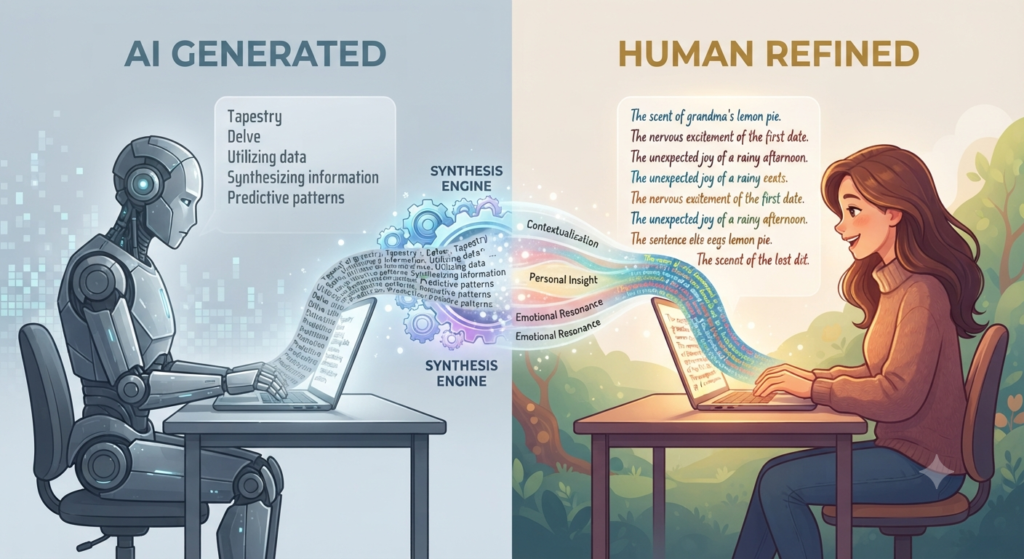
The first point we should make before we begin is that we must know what we wish to avoid. Because ChatGPT has been trained on large amounts of text, its writing can sometimes resemble the “average” style of human writing. This can sometimes make the writing feel formal or corporate.
AI-generated text can sometimes feel predictable or lack personality. It may rely on medium-length sentences, repeat similar sentence patterns, and use transition words such as “also” and “then.” It may also explain ideas clearly without adding personal experiences, stories, or moments of genuine insight. Recognizing these patterns can help you guide ChatGPT toward writing that feels more natural and personal.
2. The Foundation: Writing Good Prompts for Human-Like Results
Simply asking “Write a note about this” will result in a standard, robotic response each time. To learn how to write emails, essays and reports with ChatGPT without sounding like a machine you have to learn how to write prompts.
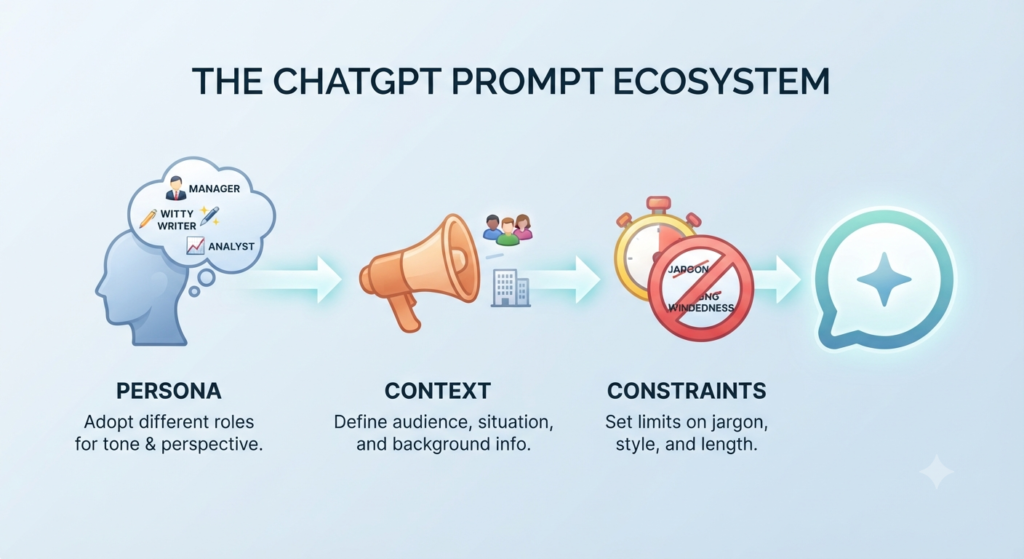
Your prompts should have three components:
- Persona: Identify the character that the AI is writing as. For instance, “Write like a newsletter writer” or “Write like a clear project manager”.
- Task: Defining your task clearly is the essential blueprint for generating high-quality, human-sounding content that resonates with your audience and achieves your specific goals.
- Context: Provide rich background details and specific framing to guide ChatGPT output, ensuring your generated content maintains a natural, human tone tailored to your unique audience.
- Constraints: Explain that the writing should use “punchy” sentences, avoid company jargon, and maintain a friendly, conversational tone.
3. Create a relationship-building professional email style
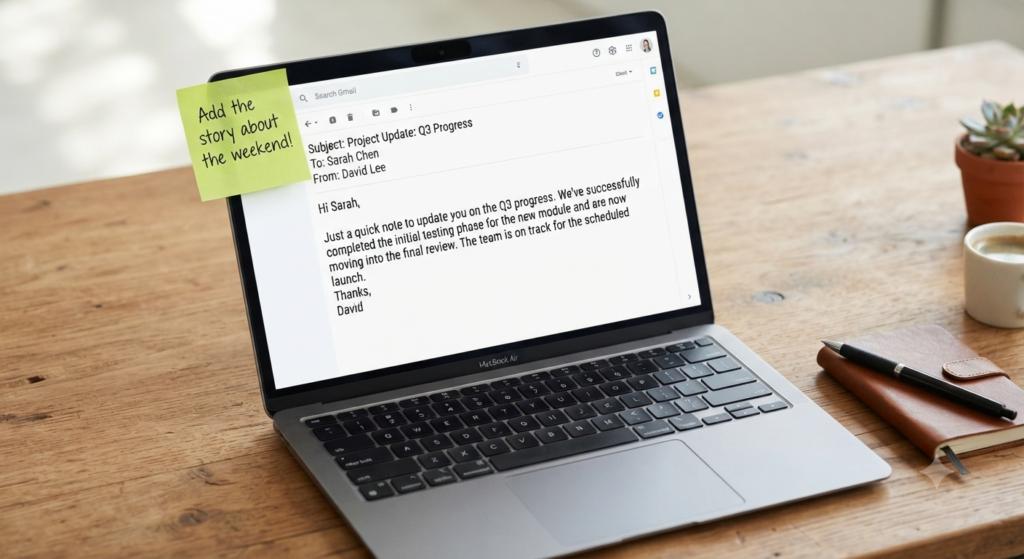
The most common place where we use AI is the email and where we can come across as cold and distant. When writing emails with ChatGPT, think of it as a brainstorming buddy rather than the writer.
Get your structure and key points out of the way using the tool and then add the “human touch”. Recently, have you had a weekend with the person you are emailing? Mention it. Have you found a common project to cite? Complete the sentence with yours. ChatGPT generates a template and you take on the warmth that develops relationships.
4. Writing Academic Essays: Research vs. Drafting
One of the biggest mistakes students make when using ChatGPT is asking it to write the entire essay first. This results in generic content, that is not precise and often “robotic”.
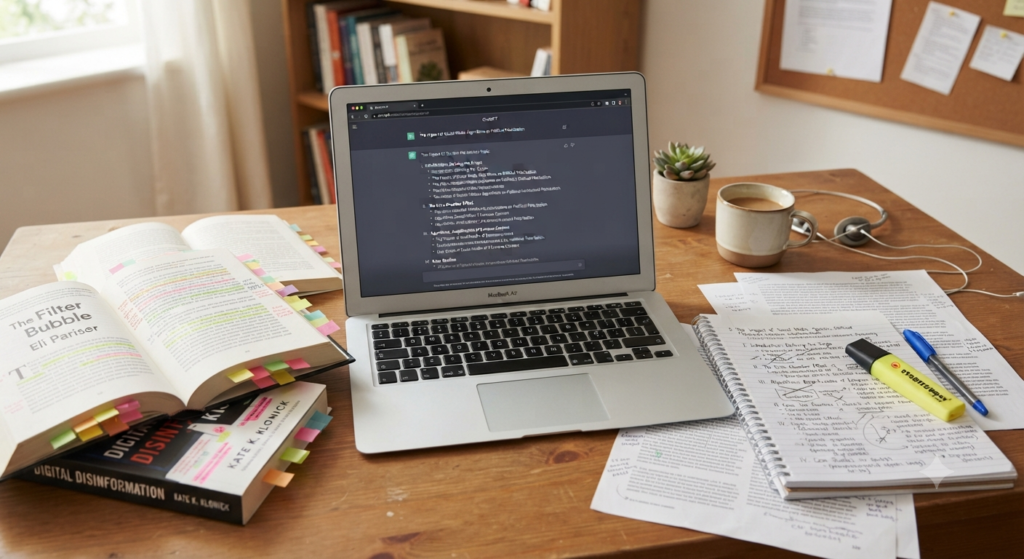
Instead, turn ChatGPT into a research and structuring tool. Ask it questions such as, “What are three of the most common arguments against this topic?” or “Outline an essay about this topic from my perspective.” Once you have the structure, write the actual content yourself. Use your own voice, research, and personal analysis to guide the final essay.
5. Generating Reports that Have Impact
Many business reports are dry, as they are not very interesting. It doesn’t have to be boring. The trick to using AI is to summarize data. Instead of simply copying and pasting your notes into ChatGPT, Instead of simply copying and pasting your notes into ChatGPT, provide the relevant information and ask it to do something like, “Summarize these specific findings and identify the three biggest risks to the project.”

AI can be very useful at identifying trends in the data that humans may not be able to pick up. However, the “Strategic Recommendations” section is your part. Here’s where you can use your knowledge. This is where you can use your knowledge and interpretation to recommend practical steps that can help your company move forward.
6. Human in the Loop Editing Workflow
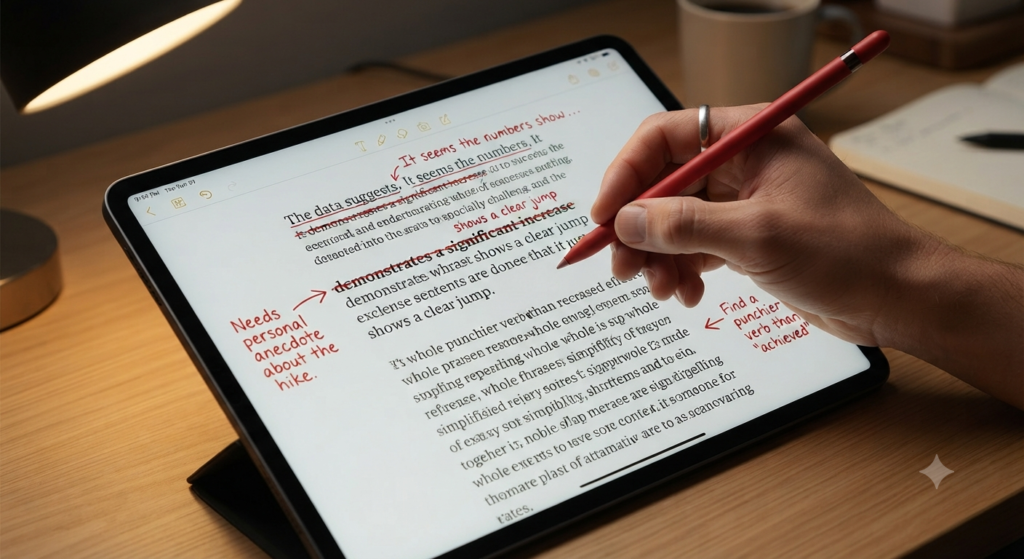
This is a critical time. After getting a draft from ChatGPT, don’t simply copy and paste the text. Take these three simple steps:
- Read it aloud: Explain that reading aloud helps detect unnatural wording because we naturally hear awkward sentences that our eyes often overlook.
- Cut the Fluff: Remove phrases such as “in conclusion,” “also,” and “it is important to note” when they don’t add meaningful information.
- Add a story: a short story about a time you experienced the point you are making does more to make your writing human than anything else.
7. Editing Your Writing for Grammar and Spelling
Everyone gets too comfortable with letting AI do a lot of work. When writing things sound dry, try “imitating your voice.” Give ChatGPT 3-5 samples of your writing and ask it, with the style, vocabulary and rhythm of these samples, rewrite this draft. The AI can imitate the patterns in your examples, helping the rewritten content sound more consistent with your natural writing style.
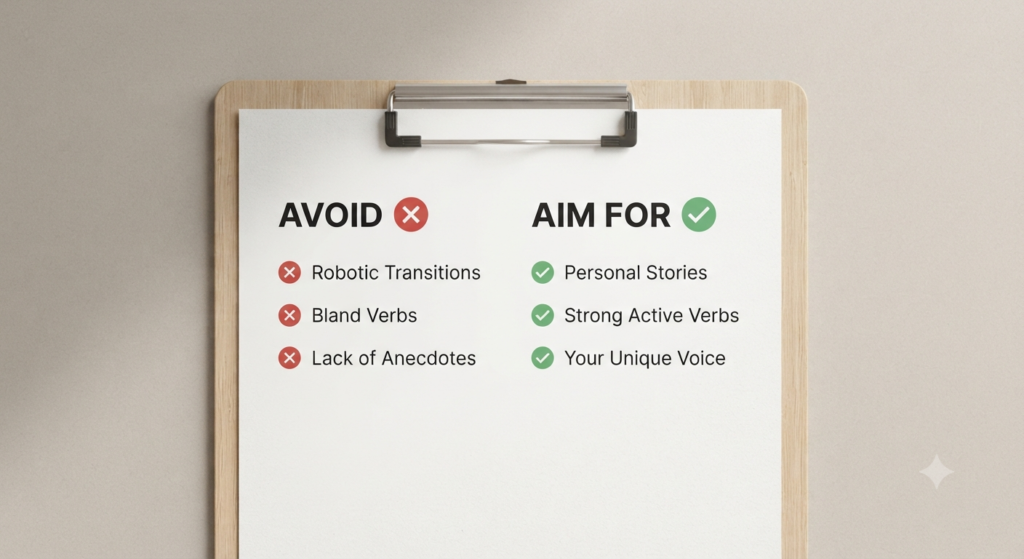
8. AI collaboration how-to
Understanding the human-AI balance is key upon learning how to write emails, essays and reports with ChatGPT without sounding like a robot. Collaboration is really about augmenting, not replacing, your personal viewpoint by leveraging technology.
- The Curator’s Mindset: Consider ChatGPT to be a research assistant. ChatGPT can organize information and propose structures, but you need to remain the final curator of accuracy, relevance, and context.
- Styling your voice: AI does not have your experience and personal tone. To fill the gap, add stories, expressions and personal reflections in the voice of your professional or academic character.
- The Iterative Feedback Loop: Think of drafting as a conversation. Continuously refine the AI’s responses to improve the style, clarity, and accuracy of the document until it sounds like you and reflects what you intended.
FAQs
1. How to make ChatGPT sound like me?
Answer: Provide 3–5 samples of your own writing. Tell the AI to repeat sentences in same way as you do, with same words and tone. The more examples you provide it, the more “human” the output will be.
2. Which are the most significant “red flags” of AI written content?
Answer: Look for repetitive transition words, overly formal language, predictable sentence patterns, excessive bullet points, and paragraphs that feel too long or generic. Words such as “furthermore,” “in conclusion,” and other formal expressions can sometimes make writing feel less natural when they are overused.
3. Should I use ChatGPT to write an essay from scratch?
Answer: No. Raw AI text is easily identifiable and shallow. Rather, use AI to brainstorm ideas, create an outline, and conduct research on specific counterarguments, before writing the actual prose.
4. What do I do to not sound “robotic” in my business emails?
Answer: Use the AI draft as a starting point. Add your own information, experiences, and natural expressions, then remove unnecessary corporate jargon. The goal is to make the email sound like something you would actually say.
5. Is it “cheating” to use ChatGPT for schoolwork?
Answer: It depends on your institution’s policy. Using ChatGPT to write an entire submitted essay may be considered academic dishonesty. However, some institutions allow AI for brainstorming, organizing research, explaining difficult concepts, or creating an outline. Always follow your school or institution’s rules.
6. Why does the content generated by AI seem so “bland”?
Answer: AI-generated content can sometimes sound bland because it tends to use cautious language and avoid taking strong positions. To make the writing more engaging, ask ChatGPT to use stronger verbs, take a clear position where appropriate, and remove unnecessary filler.
7. What is the definition of a “Human-in-the-Loop” workflow?
Answer: A Human-in-the-Loop workflow means using AI for tasks such as brainstorming, organizing, outlining, or drafting while keeping human control over the final content. You review, edit, fact-check, and personalize the result before using it.
8. Can ChatGPT do complex business reports?
Answer: Yes. ChatGPT can help organize information, summarize findings, identify potential risks, and suggest report structures. However, you should review the data carefully and write or approve the final recommendations so they reflect your expertise and judgment.
9. How can I avoid words that make AI writing sound robotic?
Answer: Give ChatGPT clear instructions to use simple, natural language and avoid unnecessary corporate jargon. You can also identify words or phrases you personally dislike and ask it to avoid them in future drafts.
10. Which of the following is best to elicit a human voice?
Answer: Use a clear persona and provide specific instructions. For example: “Assume the role of a knowledgeable project manager. Give a concise update to my team using a straightforward, professional, plain-English style without marketing language.”
11. Will my boss even be aware that I’ve used AI to create reports?
Answer: It depends on your workplace and its policies. Even when AI helps with repetitive tasks, you should review, fact-check, and personalize the final report so that it reflects your own judgment and expertise. If your organization requires disclosure of AI use, follow its policy.
Conclusion
ChatGPT should improve your writing—not replace your voice. The best results come when AI handles repetitive work while you add your knowledge, personality, and experience. That’s what makes writing sound genuinely human.
Call to Action
Ready to make your AI writing sound more like you? Start with one email, essay, or report and apply the techniques in this guide. Add your own experience, review the AI’s suggestions, and make the final version truly yours. What is your favorite way to make AI-generated writing sound more natural? Share your approach in the comments—we’d love to hear from you.