

1. What Is ChatGPT?
Let’s start with the basics. ChatGPT is an AI assistant that you can interact with using natural language. Created by OpenAI, it can help with questions, writing, brainstorming, learning, coding, and many other tasks. Created by OpenAI, ChatGPT is designed to understand natural-language instructions and generate responses that can help with a wide range of tasks. Unlike a traditional search engine, ChatGPT creates original responses instead of simply showing a list of websites. If you’re new to artificial intelligence, first read our What Is AI? guide to understand the basics. Then continue with What Is Generative AI? before learning ChatGPT.
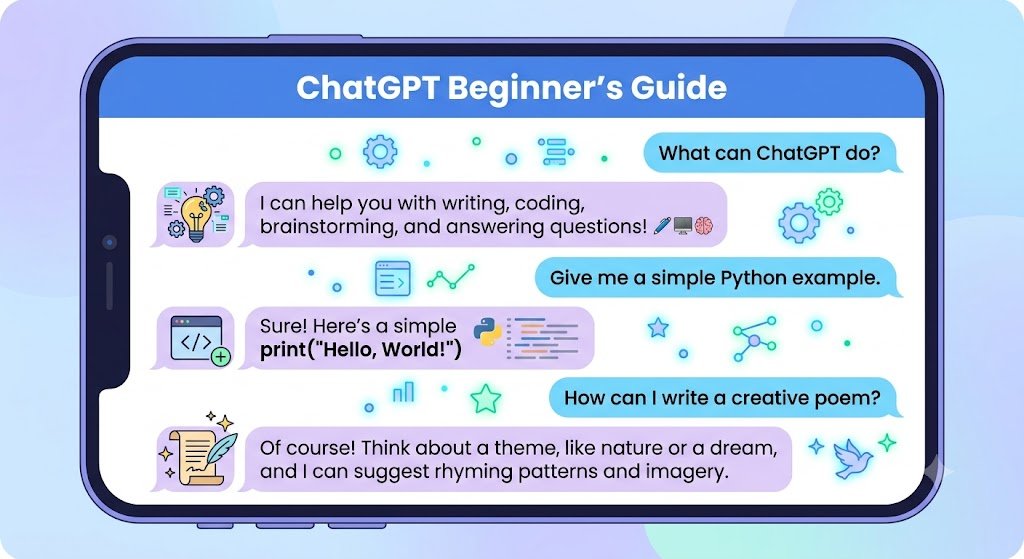
2. Is ChatGPT an AI tool?
Yes, ChatGPT is an AI tool. Specifically, it belongs to a family of AI systems called Large Language Models (LLMs). ChatGPT is trained on large amounts of data and uses learned patterns to generate responses based on the instructions and context you provide.
3. How Does ChatGPT Work?
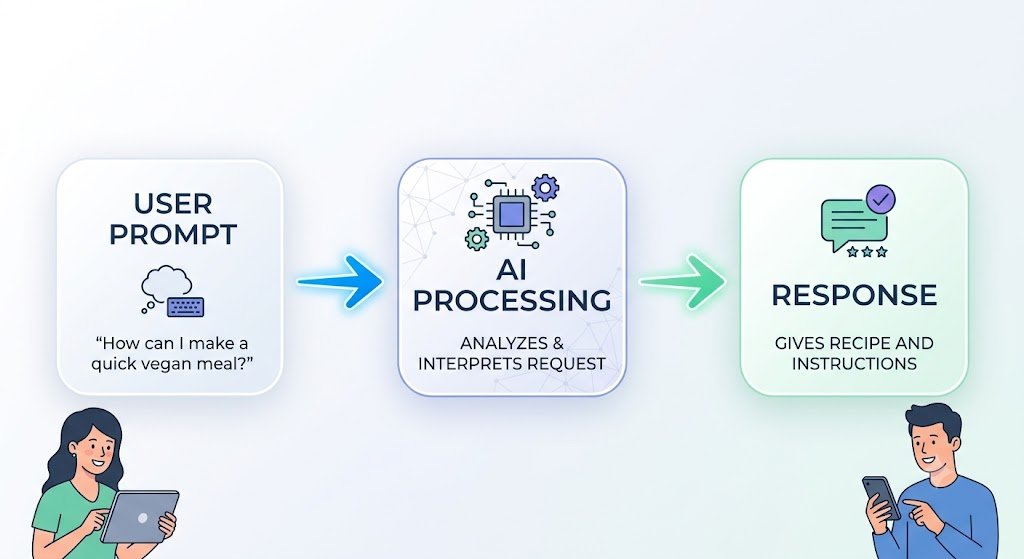
You do not need to be a computer expert to understand how ChatGPT works. At its core, ChatGPT operates by predicting the most likely next words based on your prompt. When you type a question or prompt, ChatGPT processes your prompt and generates a response based on patterns learned during training and the context available in the conversation. It does not think or understand information in exactly the same way humans do. Instead, it generates responses by processing your instructions and predicting likely sequences of language based on its training. If you’re wondering whether the free version is enough or whether ChatGPT Plus is worth paying for, see our detailed guide to ChatGPT Free vs Plus.
4. What Can You Create with ChatGPT?
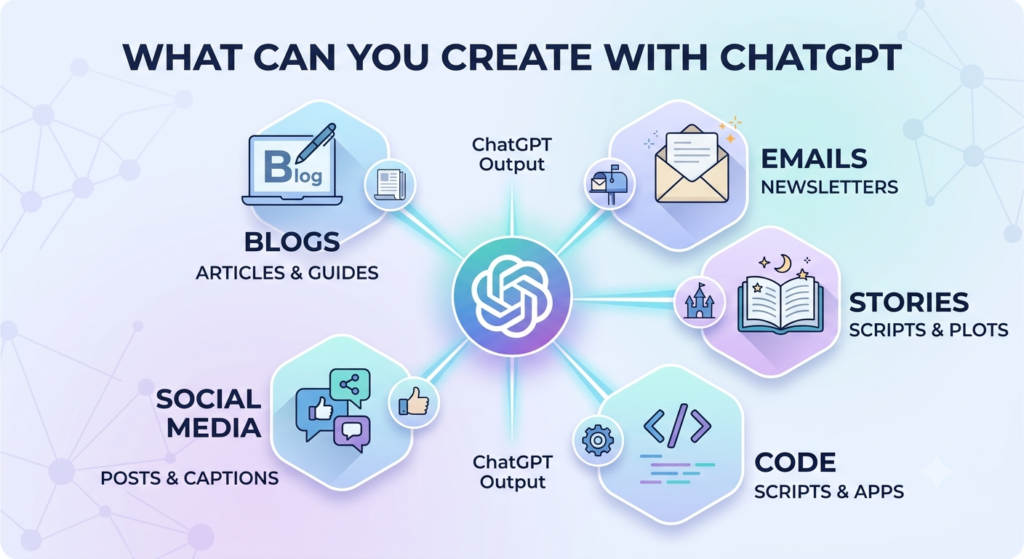
ChatGPT can help you create many different types of content, including:
- Blog posts and essays
- Social media captions
- Emails for work or clients
- Stories, poems, and scripts
- Code in Python, HTML, and other languages
5. Popular Uses of ChatGPT
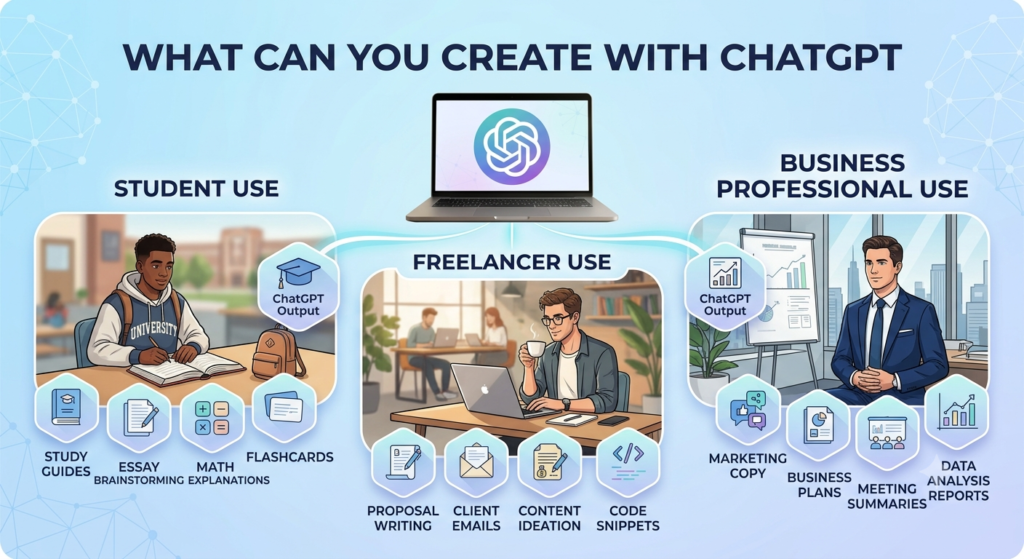
Millions of people use ChatGPT every day to make their lives easier. Some popular uses of ChatGPT include:
- Brainstorming: Coming up with gift ideas, business names or video concepts.
- Learning: Asking it to explain complex topics (like quantum physics) in a simple way.
- Coding help: Finding bugs in software code. Generating new scripts as you provide data.
- Language practice: Translating text or practicing a new language in a native format.
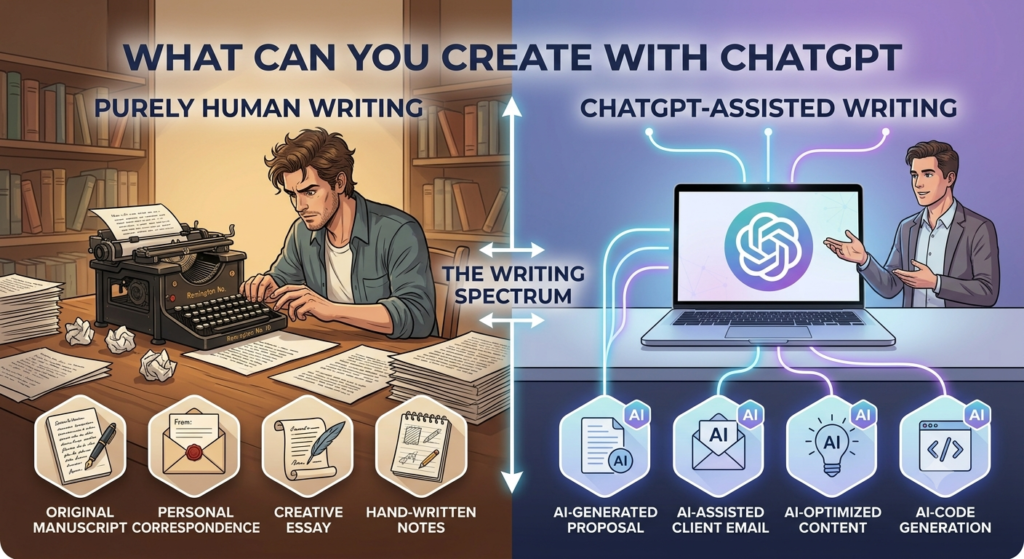
6. ChatGPT vs Manual Writing
Is ChatGPT going to replace writers? Not really.
- ChatGPT is fast. Can help with writer’s block. ChatGPT can generate a 500-word article quickly.
- Manual writing is better for creating content with heart and unique personal experiences.
While ChatGPT is great for drafting, your unique voice and personal experience are what make content special.
| ChatGPT | Manual Writing |
| Produces drafts quickly | Takes more time |
| Great for brainstorming | Better for personal stories |
| Saves time | Requires more effort |
| Needs human editing | Naturally includes personal voice |
7. Advantages of ChatGPT
There are several reasons why people like ChatGPT:
- Saves time on repetitive tasks: It handles the first drafts so you can focus on editing
- Available 24/7: You can use ChatGPT anytime. It never sleeps, so you can brainstorm at 3 A.M.
- Versatile: It can help with many different tasks, from drafting emails and brainstorming ideas to explaining concepts and assisting with code.
- Free access: ChatGPT offers a Free tier with access to a range of features, although usage limits and available capabilities can change over time.
8. Limitations of ChatGPT
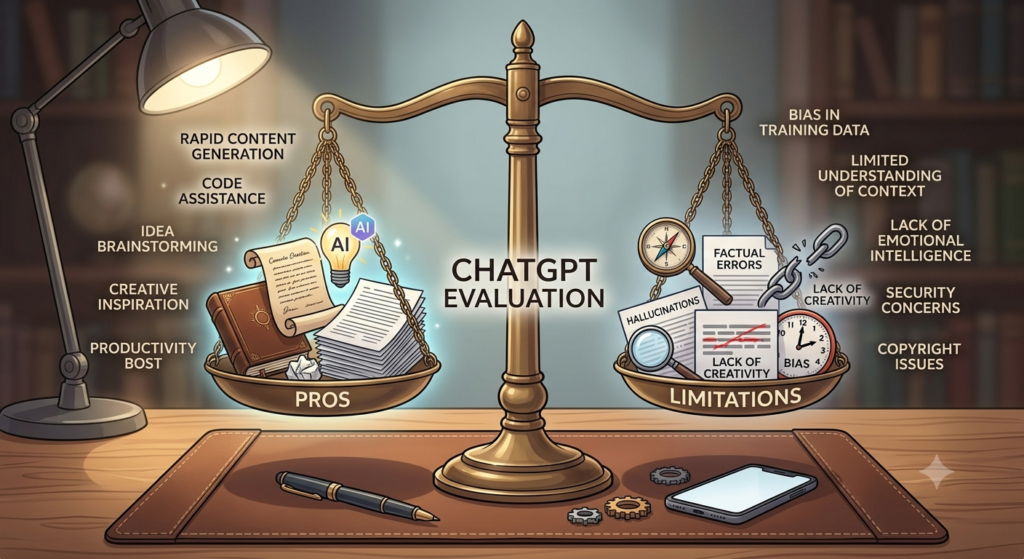
As awesome as it is, ChatGPT is not perfect. Keep these limitations in mind:
- “Hallucinations”: Sometimes, it confidently states facts that are not true. Always fact-check it.
- Lacks genuine emotions: It can mimic empathy but it does not actually feel anything, which can sometimes make the writing feel a bit robotic.
- Current information: ChatGPT may not always have the latest information. When current information matters, use available web-search or browsing features and verify important facts with reliable sources.
9. Can Beginners Use ChatGPT?
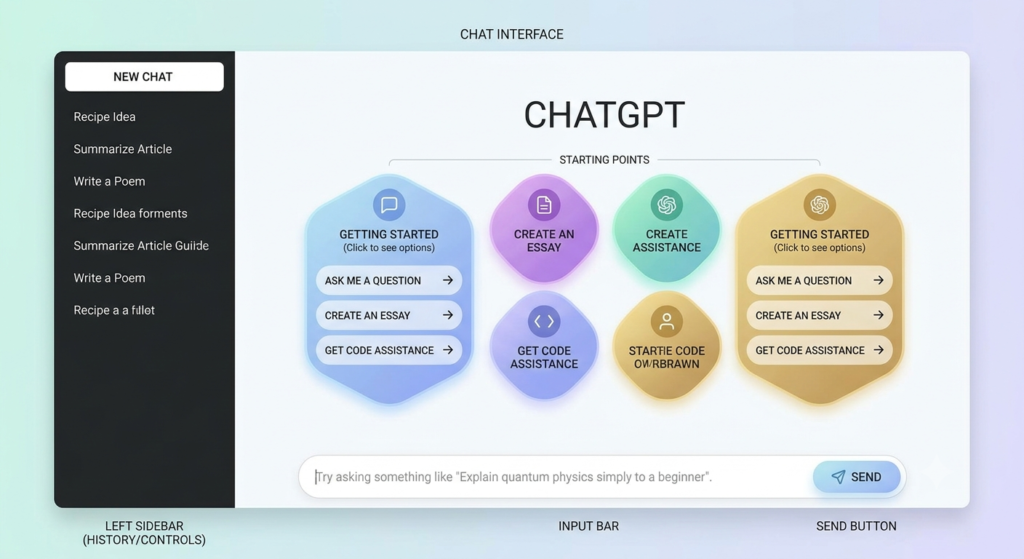
Yes, beginners can use ChatGPT. You do not need any skills to use it. If you know how to send a text message you can use ChatGPT. The interface is simple and easy to use.
10. How to Get Started with ChatGPT
Getting started with ChatGPT is easy:
- Sign up using your email, Google account, or Apple account.
- Type your message or question into the text box.
- Send your message and review the response.
ChatGPT is one of the easiest AI tools for beginners. Whether you want to learn, write, brainstorm ideas, or save time, it can become a useful daily assistant. Start with a simple question today and explore what ChatGPT can help you do.
FAQs
1. What is ChatGPT and how do I get started?
Answer: ChatGPT is an AI-powered assistant that generates human-like text based on instructions you give it. You can start by creating a free account at chatgpt.com and typing your questions or tasks into the message box.
2. Is ChatGPT free to use for commercial freelance work?
Answer: ChatGPT can be used to help with freelance tasks such as drafting emails, brainstorming ideas, creating outlines, and working with content. However, you should review the output carefully, respect client confidentiality, and make sure your use complies with applicable laws, client agreements, and the terms of the service.
3. How do I write a good prompt to get the best results?
Answer: Be specific and give context. Instead of asking “Write a proposal,” say “Write a 200-word Upwork proposal for a blog writing job, emphasizing my 2 years of experience in the tech niche and using a confident tone.”
4. Can ChatGPT replace me as a freelancer?
Answer: No. ChatGPT lacks human intuition, personal experience, and true critical thinking. Clients still need human freelancers to fact-check, refine, and apply creative nuance to AI-generated drafts.
5. Is the information ChatGPT provides always accurate?
Answer: No. ChatGPT can sometimes produce incorrect or misleading information, including inaccurate facts, figures, or other details. Always verify important information using reliable sources before using or sharing it.
6. Will clients know if I use ChatGPT for my deliverables?
Answer: They might. They might. AI-detection tools are available, but their results are not always reliable. More importantly, you should review and edit AI-generated content, add your own expertise and experience, and follow any disclosure or originality requirements set by your client or platform.
7. Can I paste confidential client data into ChatGPT?
Answer: Avoid pasting confidential client information into ChatGPT. Review your account’s privacy and data settings, follow your client’s data-handling requirements, and avoid sharing confidential, sensitive, or personally identifiable information unless you have permission and understand how it will be handled.
8. How can ChatGPT help me land freelance clients?
Answer: You can use it to draft tailored cover letters, optimize your Upwork or Fiverr profile descriptions, brainstorm cold outreach email scripts, and practice responses to common client interview questions.
9. What is the difference between ChatGPT Free and ChatGPT Plus?
Answer: ChatGPT Free provides access to a range of ChatGPT features and tools, but usage limits apply and available models and capabilities can change over time. ChatGPT Plus provides higher usage limits and additional access to features and capabilities. Check OpenAI’s current pricing and plan information for the latest differences.
10. Can ChatGPT write code or design websites for me?
Answer: ChatGPT can generate and explain code, help debug problems, create website content, and assist with building parts of a website. Depending on the tools and environment available, it may also help with more complete development workflows. However, you should test, review, and safely deploy any code or website changes rather than relying on AI output without verification.
Call-to-Action (CTA)
Ready to explore what ChatGPT can do? Create a free account, ask your first question, and start saving time today. If you’ve already tried ChatGPT, share your experience or favourite use case in the comments below.