
1. Introduction
Freelancing in 2026 is no longer just about working harder—it’s about working smarter. Artificial Intelligence has become the secret weapon behind thousands of successful freelancers who deliver projects faster, impress clients, and earn more without working longer hours. Whether you’re a writer, designer, marketer, developer, or virtual assistant, the right AI tools can dramatically improve your productivity. In this guide, you’ll discover the best AI tools for freelancers in 2026 and learn how each one can help grow your business.
Why You Can Trust This Guide
The AI tools recommended in this guide were selected based on their practical value for freelancers, including ease of use, productivity benefits, and overall reputation. Rather than ranking tools based on sponsorships or promotions, this guide focuses on helping freelancers choose solutions that fit real-world workflows and business needs.
2. Comparison Table
| Tool | Best For | Free Plan | Rating |
| ChatGPT | Writing | Yes | ⭐⭐⭐⭐⭐ |
| Claude | Long Documents | Yes | ⭐⭐⭐⭐⭐ |
| Midjourney | Images | No | ⭐⭐⭐⭐⭐ |
| Canva Magic Studio | Graphics | Yes | ⭐⭐⭐⭐☆ |
| Perplexity | Research | Yes | ⭐⭐⭐⭐⭐ |
| Notion AI | Productivity | Limited | ⭐⭐⭐⭐☆ |
| Zapier | Automation | Yes | ⭐⭐⭐⭐⭐ |
3. How to Build an AI Stack for Freelancers:
Never use a tool that attempts to do too much. In 2026, the top freelancers employ a combination of AI tools. Imagine that your work is divided into three steps:
Tools that help you create better and think faster.
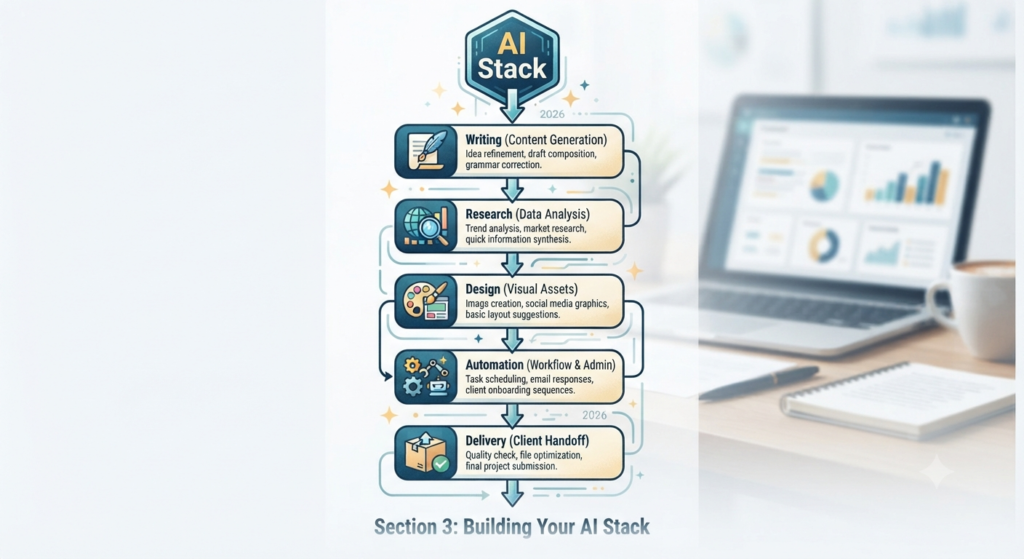
- Creation: Tools that help you create better and think faster.
- Automation tools: These handle administrative tasks such as scheduling and emails.
- Client Management: Tools that help with research, analysis, and delivering better results.
Choose tools that serve a specific purpose in your workflow.
4. Best AI Writing & Ideation Tools
Freelancers deal with a lot of writing every day. These AI helpers can help you work faster without losing your tone and personal style.
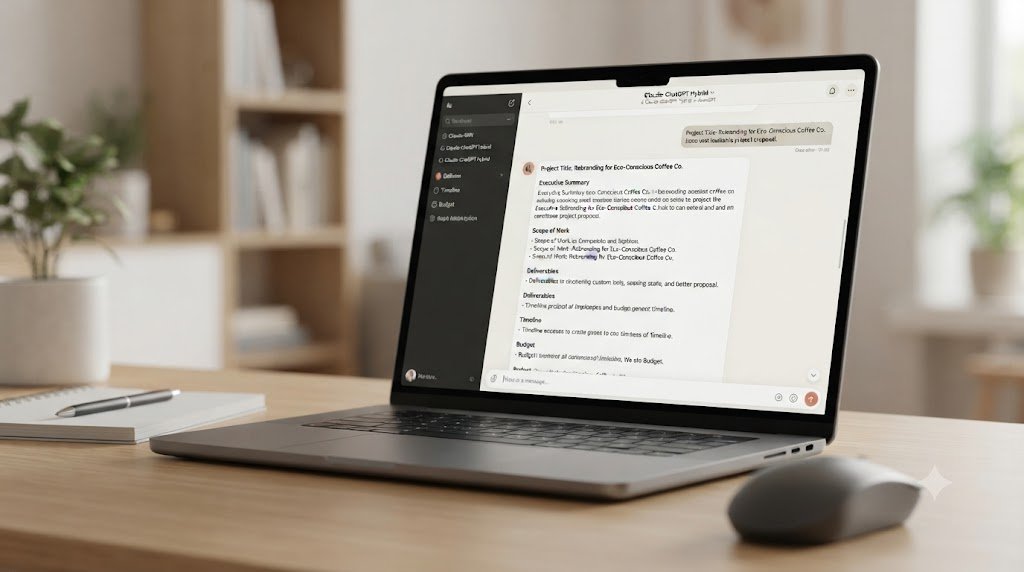
- The Versatile Swiss Army Knife: ChatGPT is excellent at grasping context. Use it to refine your writing style, add extra flair to your voice, or turn notes from a long client meeting into clear, organized content.
- Claude (The Long-Form Specialist): Claude is ideal for creating long-form documents or detailed project plans. It helps preserve logic, context, and nuance throughout long documents.
Pro tip: Don’t just copy and paste AI-generated content. Use these tools as part of your own drafting process. Give them your notes and structure, and then give them your expertise and then refine the result until it truly reflects your ideas and voice.
5. Visual Creativity: AI Design & Image Generation
Creating great visuals isn’t only about having an agency budget; it’s about knowing how to use the right tools effectively.
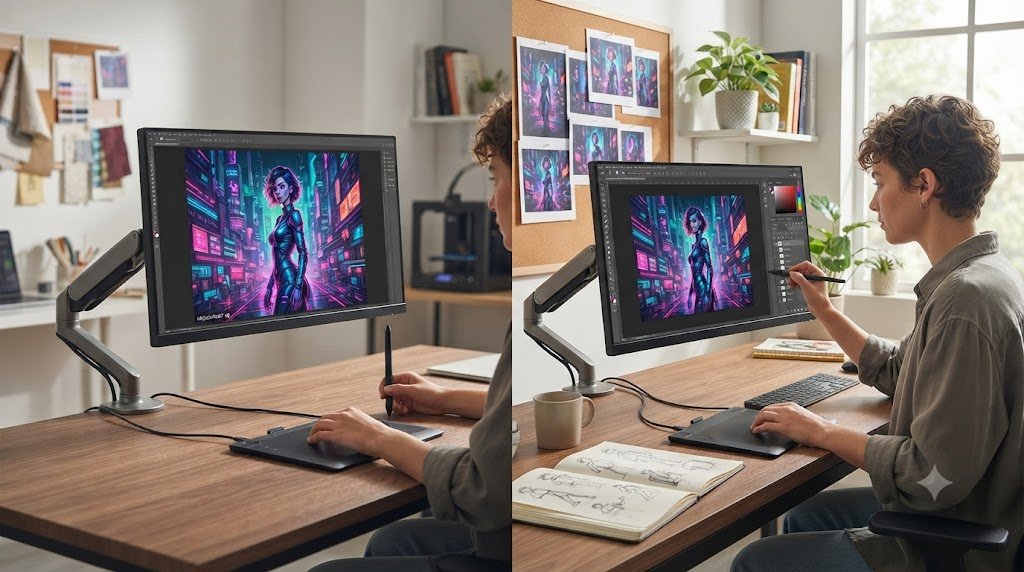
- Midjourney: Midjourney is ideal for creating high-quality visual content, including mood boards, custom website assets, and hero images.
- Canva Magic Studio: Canva’s AI tools are particularly useful for people who aren’t professional designers.
6. Research & Deep Analysis Tools.
AI hallucinations—when an AI tool generates inaccurate or fabricated information—are one of the challenges freelancers need to watch for.
- Perplexity AI: An AI-powered search and research tool that searches the web and provides sources for its answers. It can be useful for market research and fact-checking.
7. Managing the Grind: AI for Project & Workflow Automation
Productivity improves when repetitive tasks are automated.
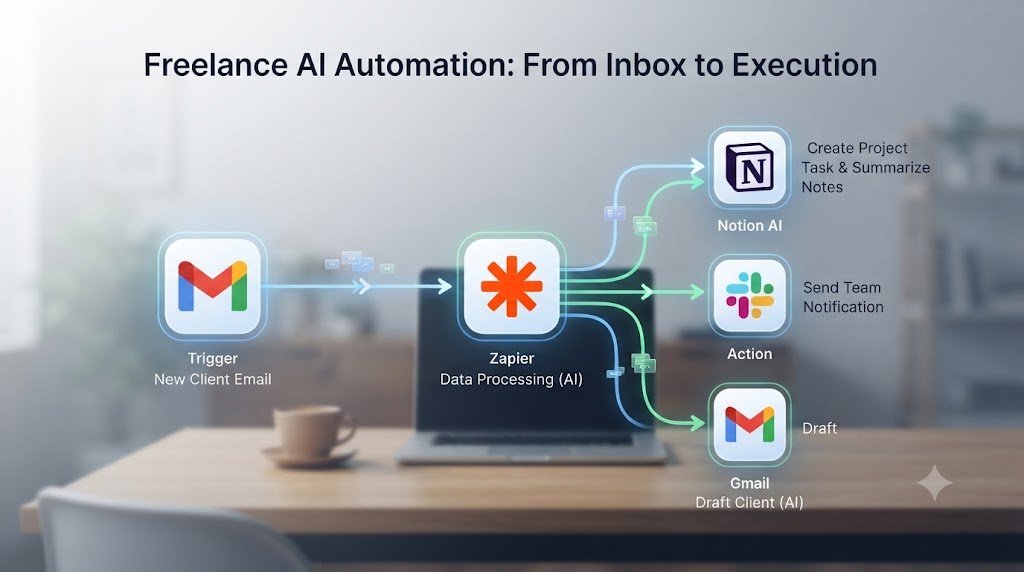
- Notion AI: – Notion can summarize meeting notes, generate project task lists, and help draft responses to clients.
- Zapier/Make: These platforms connect your apps and automate repetitive workflows. For example, you can create a workflow that creates a file and sends a notification when a new email arrives.
8. Financial & Administrative Freedom
One of the most dreaded aspects of freelancing is dealing with administrative tasks.
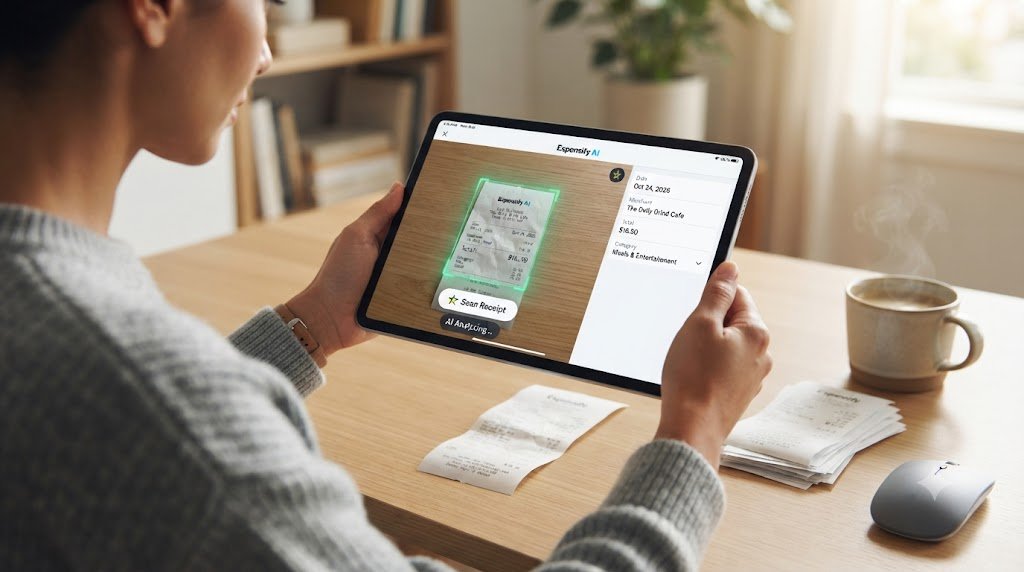
- Automated Finance Tools: Modern AI-powered accounting software can help make accounting easier by automatically processing receipts, categorizing expenses, and reminding clients of invoices. This can make routine financial tasks faster and easier to manage.
9. Ethical and strategic implementation: the “Human in the Loop” Rule
When using AI tools, remember that you—not the AI—are responsible for the final result.
- Audit: AI tools can produce incorrect information. Double-check facts, figures, quotes, and important claims before using them in client work.
- Protect Privacy: Do not enter sensitive client data into public AI models. For confidential needs use enterprise versions.
- Keep your voice: Always edit AI-generated content. Your unique brand voice helps build trust and long-lasting client relationships.
Conclusions: Start small, scale big
The “AI-powered freelancer” is becoming the norm in 2026. Using the right tools can save you time and help you work more efficiently.
Avoid trying to change your entire workflow in one day. Choose one tool from this guide, practice using it, and see how it affects your productivity. Over time, these small improvements can help you work more efficiently and create more opportunities to grow your freelance business.
Quick Tips
💡 Quick Tips for Freelancers
✔ Start with one AI tool instead of five.
✔ Always review AI-generated work before sending it to clients.
✔ Never upload confidential client information to public AI models.
✔ Use AI to save time—not replace your expertise.
FAQs
1. Can beginners really freelance with AI tools?
Answer: Yes. AI helps beginners bridge the skill gap by assisting with research, drafting, and project management, allowing them to deliver professional-quality work faster.
2. Do clients care if I use AI in my work?
Answer: Most clients care more about the result than the process, but they value transparency. It is best to frame AI as a tool that enhances your efficiency rather than a shortcut.
3. How do I avoid producing generic or “robotic” AI content?
Answer: Use AI for structure, brainstorming, and first drafts, then inject your unique brand voice, professional expertise, and specific client context during the editing phase.
4. Will AI tools replace freelance writers and designers?
Answer: No. AI excels at volume and speed, but it cannot replace the nuance, strategic thinking, original research, and brand-specific customization that a human professional provides.
5. How much should I spend on AI tool subscriptions?
Answer: The cost depends on the tools and plans you choose. A basic 2026 freelance toolkit can range from free options to several paid subscriptions per month. Start with the tools that provide the most value for your workflow and upgrade when necessary.
6. How do I protect sensitive client data when using AI?
Answer: Always check the tool’s privacy policy, opt out of data training if the option exists, and avoid inputting confidential or proprietary client information into public models.
7. Is it an ethical “red flag” to use AI to draft proposals?
Answer: Not at all. Using AI to format, structure, or improve the clarity of your proposals is standard professional practice; just ensure the content accurately reflects your true capabilities.
8. What productivity gains can I realistically expect?
Answer: The productivity gain depends on the task, your workflow, and how effectively you use the tools. Many freelancers can save significant time on research, drafting, and administrative work, but results vary from person to person.
9. How do I handle hourly pricing when AI makes me much faster?
Answer: As you become more efficient, consider shifting toward value-based or project-based pricing. This ensures you are rewarded for the outcome you deliver rather than being penalized for finishing work quickly.
10. What is the biggest mistake freelancers make with AI?
Answer: The most common mistake is trying to learn too many tools at once. Focus on solving one specific workflow “pain point” (like invoicing or meeting summaries) at a time.
11. Is AI going to replace freelance work?
Answer: Not at all. But freelancers who know how to use AI are going to be more competitive than those who don’t.
12. How do I disclose AI usage to my clients?
Answer: Transparency is key. If you use AI for research or drafting, it’s honest practice to let the client know, provided you’ve verified all the work yourself.
13. Are these AI tools free or paid?
Answer: Most offer a “freemium” model. You can start for free, but for professional, high-volume work, the paid tiers are usually well worth the cost.
14. How do I protect client data when using these tools?
Answer: Check the privacy and data-control settings of each tool. Some services provide options to limit or opt out of the use of your data for model training, but the available controls vary by provider and plan.
Call to Action
Which of these AI tools for freelancers are you adding to your workflow this week? Drop a comment below and let me know your favourite automation trick! Want more 2026 freelance growth hacks? [Subscribe to our newsletter here] and stay ahead of the game.