

1. Introduction
Every day, students, freelancers, and business owners collect data—but many don’t know how to turn it into useful insights. ChatGPT for data analysis can help analyze spreadsheets, identify trends, create charts, and clean messy data without requiring programming knowledge.
2. Data Analysis Matters for Students, Freelancers and Small Business Owners
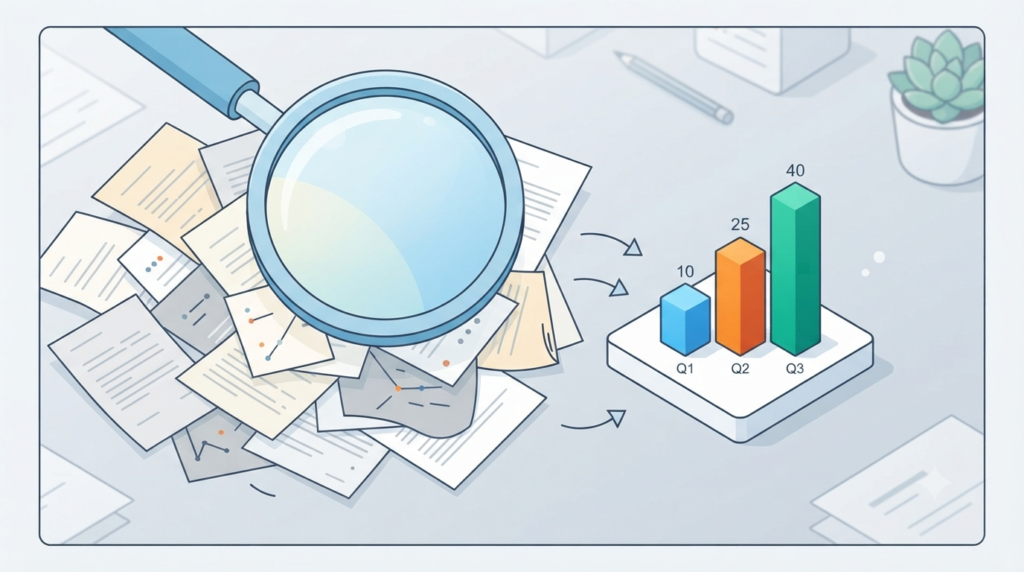
See Data Analysis as being like Detective Work. You’re looking at your numbers for evidence, when you’re making decisions. Data analysis is like the detective in your data.
- For Freelancers Data analysis is more about knowing what projects really pay better as opposed to what ones eat up your time.
- Students Data analysis is the process of identifying patterns in research data, strengthening your thesis.
- In the context of Business Owners Data analysis is a strategy to understand what to sell or what marketing channel that is performing well to generate sales.
Data is not a technical skill, it is the key to working smarter, not harder for students, freelancers and small business owners.
3. Can ChatGPT Analyze Excel and CSV Files?
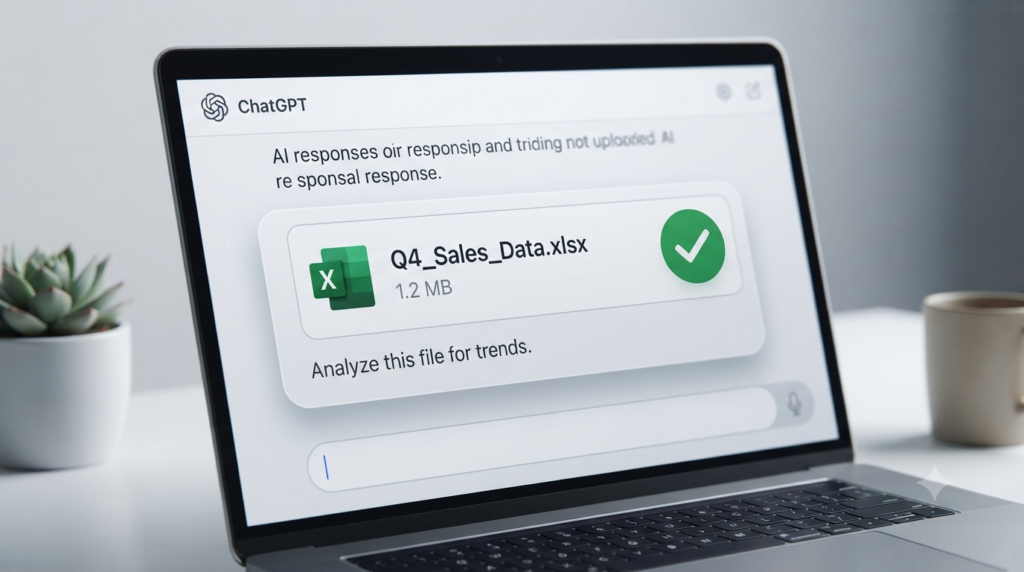
Yes. ChatGPT can work with uploaded files such as Excel spreadsheets and CSV files, depending on the features and usage limits available on your account. You can ask questions about your data in plain language, and using ChatGPT can help summarize information, identify patterns, perform calculations, clean data, and create visualizations.
For students, ChatGPT is like a well-trained assistant, and for freelancers and small business owners, it can assist with tasks like customer service. It can read CSV and Excel (.xlsx) files, perform complex calculations, and write Python code behind the scenes to analyze and manipulate your data. It doesn’t get overwhelmed by rows of numbers.
4. Preparing Your Data: A Quick Setup for Students, Freelance and Small Business Owners
ChatGPT is powerful. It’s best if you have your data structured. Make sure to back up any files prior to uploading:
- Format: Use .csv or regular Excel format for your data.
- Label Headers: Ensure that the top row of your data is labeled, such as “Date,” “Income,” or “Customer_Name”. Don’t have any rows or unclear merged cells in your data.
- Upload: Upload your file using the file-upload option available in your ChatGPT interface. After the file is uploaded, you can begin asking questions about your data.
5. Identifying patterns and trends in your data
Once your file is uploaded, you don’t need to write formulas. You can simply talk to your data in plain English. Try prompts like:
According to this information, what are the top three trends in my sales?
Which month had the highest expenses?
Are there any anomalies or unusual values in this dataset? ChatGPT can analyze the data and present the key findings in clear, human-readable language, highlighting the most important insights.

6. Using Numbers to Create Visuals for Data

A chart can sometimes make your data easier to understand. If you’re not sure how to visualize your data, simply ask ChatGPT:
Create a bar chart showing my monthly freelance income.
When it comes to business and marketing spend and customer acquisition, can you see the connection?
If the chart isn’t suitable, ask ChatGPT to change the chart type, labels, title, scale, or other visual elements. For students, freelancers, and small business owners, creating useful visualizations can be that simple.
7. Cleaning Messy Data Without the Headache
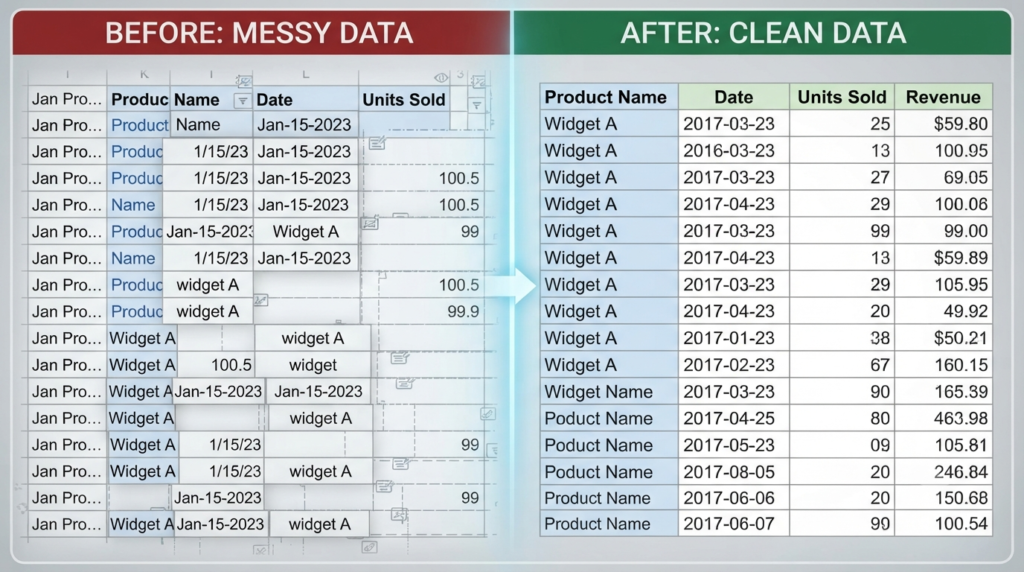
ChatGPT can help students, freelancers, and small business owners clean messy data without the headache.
All of us have been the source of those spreadsheets with dates, duplicate information, or strange typography in them. Cleaning these problems manually can often take hours.
You can now simply write: There are entries in this file and some formatting problems. Please clean this dataset without changing the original information, then send me the corrected file. ChatGPT can help identify duplicates, inconsistent formatting, missing values, and other data-quality issues. Always review the results before replacing your original file.
8. Real-World Examples of Using ChatGPT for Data Analysis
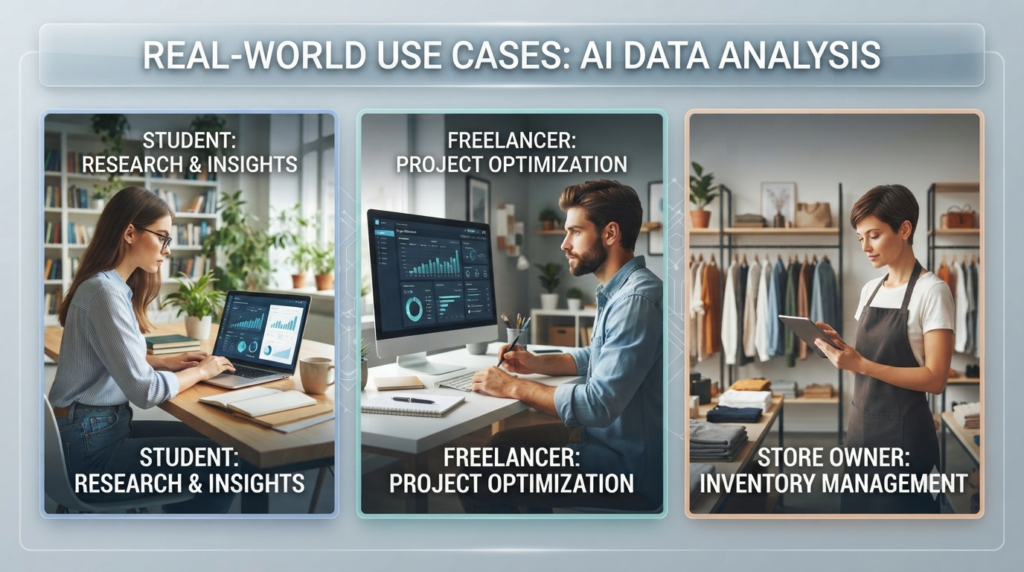
Business: Review your year’s performance and identify patterns that may help with future planning.
Students: Use ChatGPT to classify survey responses or to calculate averages in sets of data for research purposes.
Freelancers: Upload your time logs and pose this question: Which client ended up using the hours but paying you the least amount of money per hour?
9. Some best practices for leveraging ChatGPT for data analysis
To get better results from ChatGPT for data analysis, keep these three rules in mind:
- Protect sensitive information: Avoid uploading highly sensitive or confidential information unless you understand the privacy and data-handling settings that apply to your account. When possible, remove unnecessary personal or confidential information before uploading a file.
- Verify AI Results: AI can make mistakes. Always verify important calculations and conclusions before using them to make significant decisions.
- Focus on specifics: The more specific your instructions are, the better the results will be. Instead of saying, “Analyze this,” try, “Analyze this data and calculate the percentage growth between Q1 and Q2.
FAQs
1. Can ChatGPT really perform data analysis without coding?
Answer: Yes. ChatGPT can help analyze uploaded files such as Excel and CSV data using plain-language instructions. Depending on the available features and usage limits on your account, you can use it to summarize data, find patterns, perform calculations, clean datasets, and create visualizations.
2. What file formats does ChatGPT support for data analysis?
Answer: ChatGPT supports several common file types, including spreadsheets, documents, PDFs, and text files. Available file types and limits can vary, so check the current ChatGPT interface or official documentation when working with a specific format.
3. Do I need a paid subscription to analyze files?
Answer: No. ChatGPT offers data analysis and file uploads on the Free plan with usage limits. Paid plans generally provide higher limits or additional access to features. Availability and limits can change over time, so check the current plan information for your account.
4. Is my data safe if I upload it to ChatGPT?
Answer: Be cautious when uploading sensitive or confidential information. Avoid unnecessary personal information, financial records, passwords, identification documents, or confidential business data. Review the privacy and data-control settings available on your account before uploading sensitive files.
5. What if the AI makes a math error?
Answer: AI can occasionally “hallucinate” or provide incorrect statistical results. Always verify important calculations, ask ChatGPT to explain how it reached the result.
6. Can ChatGPT create charts and graphs?
Answer: Yes. ChatGPT can help create visualizations from supported data. You can request a specific chart type, such as a bar chart or line chart, and provide instructions about titles, labels, or the information you want to highlight.
7. How should I prepare my data before uploading?
Answer: For best results, use clean files with clear column headers (e.g., “Date,” “Sales Amount”) and ensure there is one record per row. Avoid merged cells or complex visual layouts.
8. Can ChatGPT help me clean messy datasets?
Answer: Absolutely. It is excellent at tasks like removing duplicates, standardizing date formats, handling missing values, and fixing inconsistent data entries.
9. Should I rely on ChatGPT to replace my analytical skills?
Answer: No. It is best used as an assistant to speed up your workflow, not as a replacement for fundamental knowledge. It works best when you understand the “what” and “why” behind the analysis you are performing.
10. Can I get the code that ChatGPT uses to analyze my data?
Answer: You can ask ChatGPT to provide or explain Python code that can be used for data analysis. Depending on the task and available features, it may also generate code that you can review and run separately.
11. Can ChatGPT analyze very large Excel files?
Answer: ChatGPT can analyze many spreadsheet files, but the practical limit depends on factors such as file size, structure, complexity, and the limits of your account. For very large datasets, consider splitting the data into smaller sections or using dedicated spreadsheet or data-analysis tools.

Conclusion
Data analysis used to be a gatekept skill, but modern AI tools are making data analysis more accessible to beginners. Whether you are a student trying to ace a research project, a freelancer looking to optimize your earnings, or a small business owner trying to scale, ChatGPT is an incredible companion for making sense of the chaos.
Start small. Upload a simple budget spreadsheet, ask a few questions, and watch as your data starts to talk back to you.
Call to Action
Ready to take control of your numbers? Try this today: Find a small, non-sensitive dataset you’ve been meaning to explore and upload it to ChatGPT. Ask a few simple questions and see what patterns or insights you can discover.
If you found this guide helpful, share your first “Aha!” moment in the comments below—we’d love to hear how AI helped you solve a data problem!